AI Jewelry Photography That Actually Looks Real
Upload one jewelry photo. Get white backgrounds, lifestyle scenes, virtual wearing, and detail close-ups — ready for every marketplace and sales channel.
No credit card required · Create your first jewelry photo
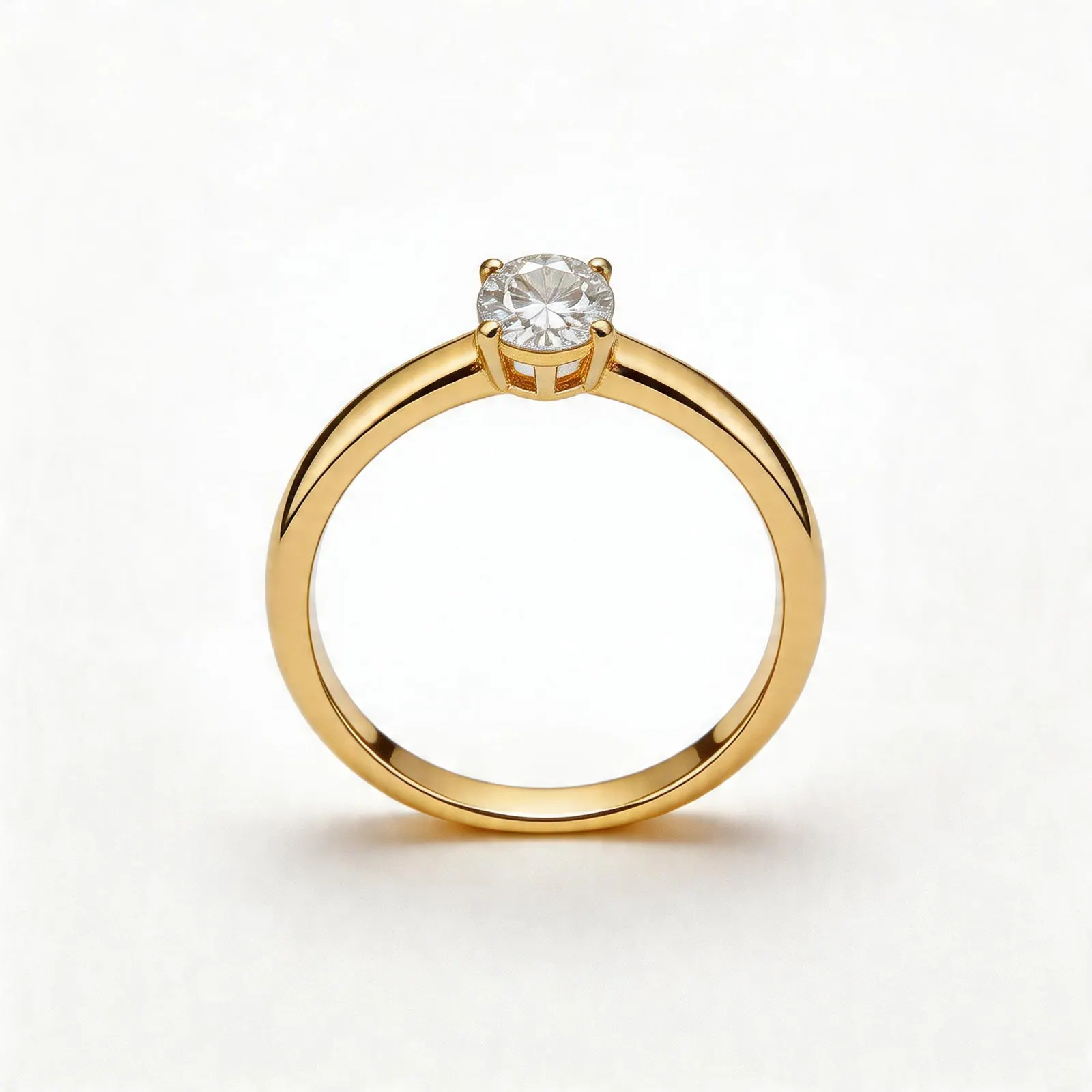
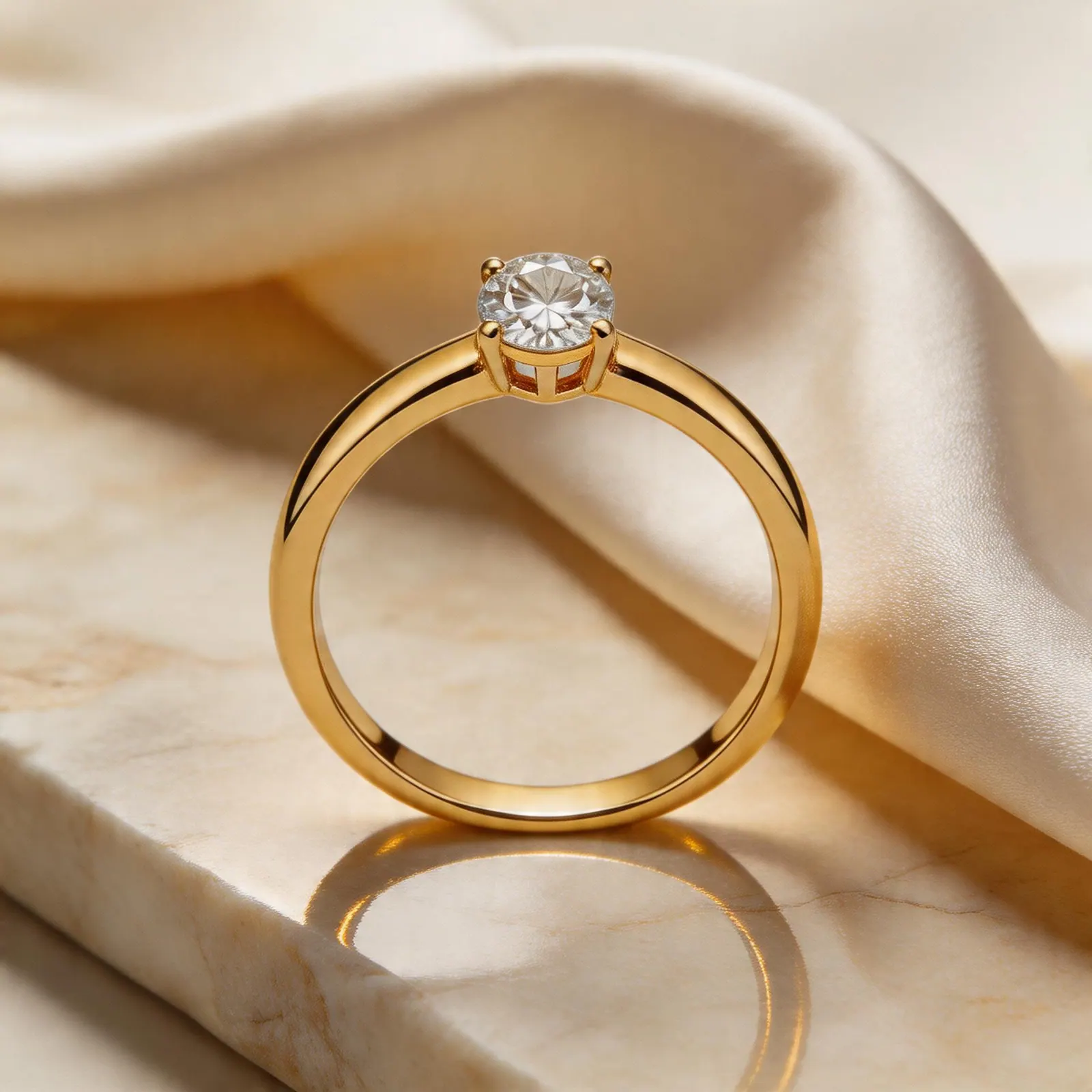
Same jewelry piece, reformatted for launch, merchandising, and conversion
Proven results
Real Jewelry Sellers Are Switching
Explore the four core outputs jewelry sellers need most often, then scale them into a mixed launch set when one SKU needs broader merchandising coverage.
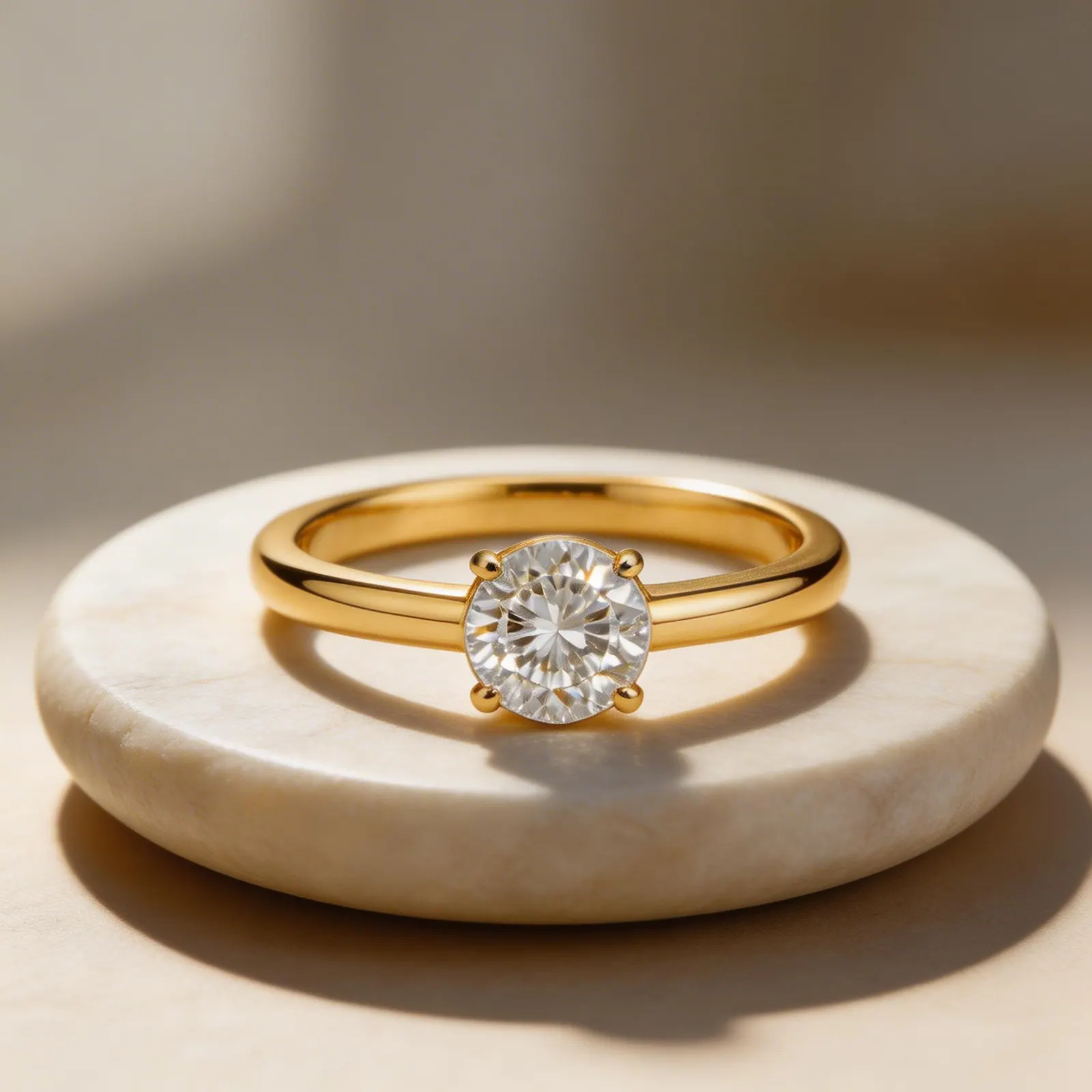
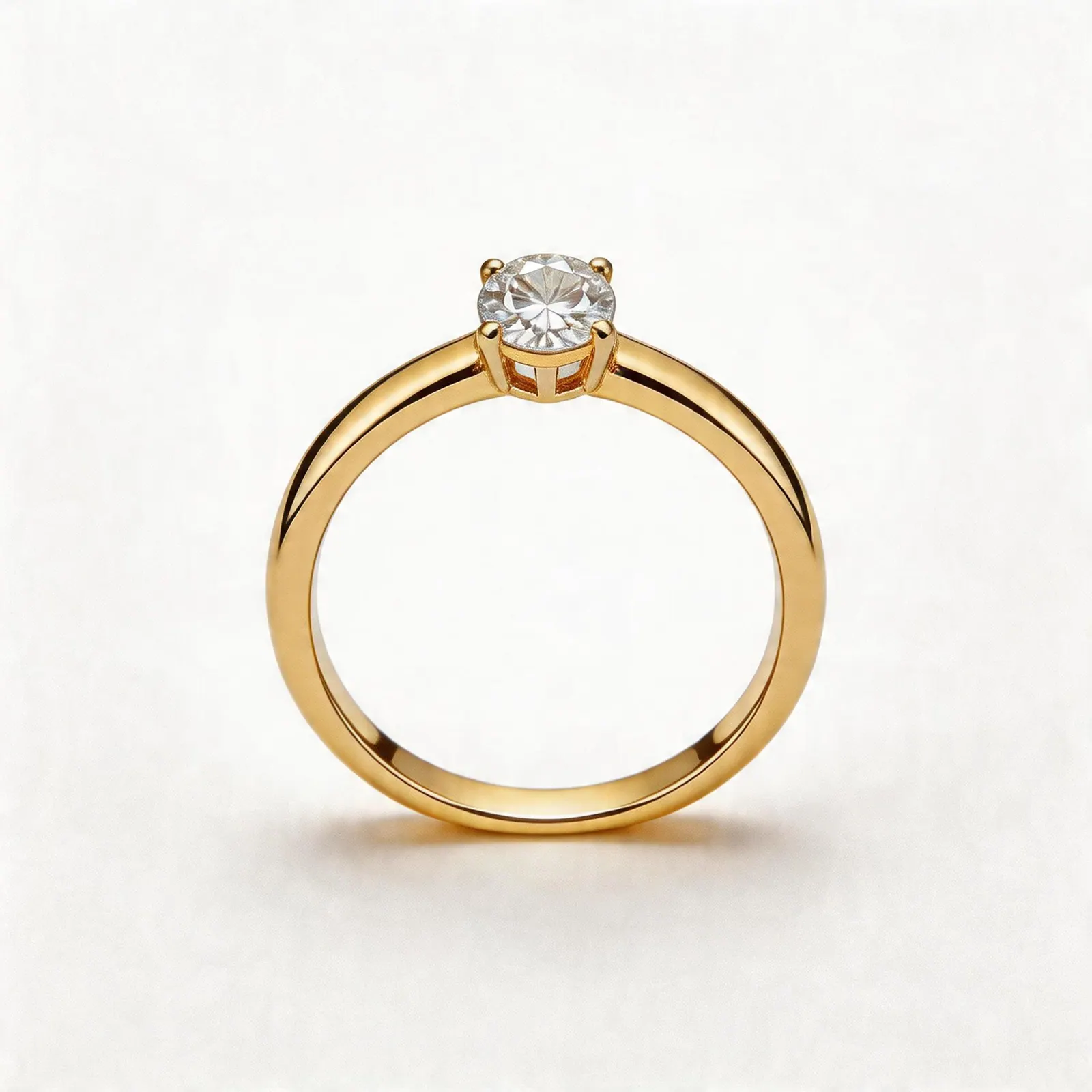
Solitaire Ring Main Image
Turn a styled ring photo into a clean marketplace-safe white background hero with sharper polish and stone read
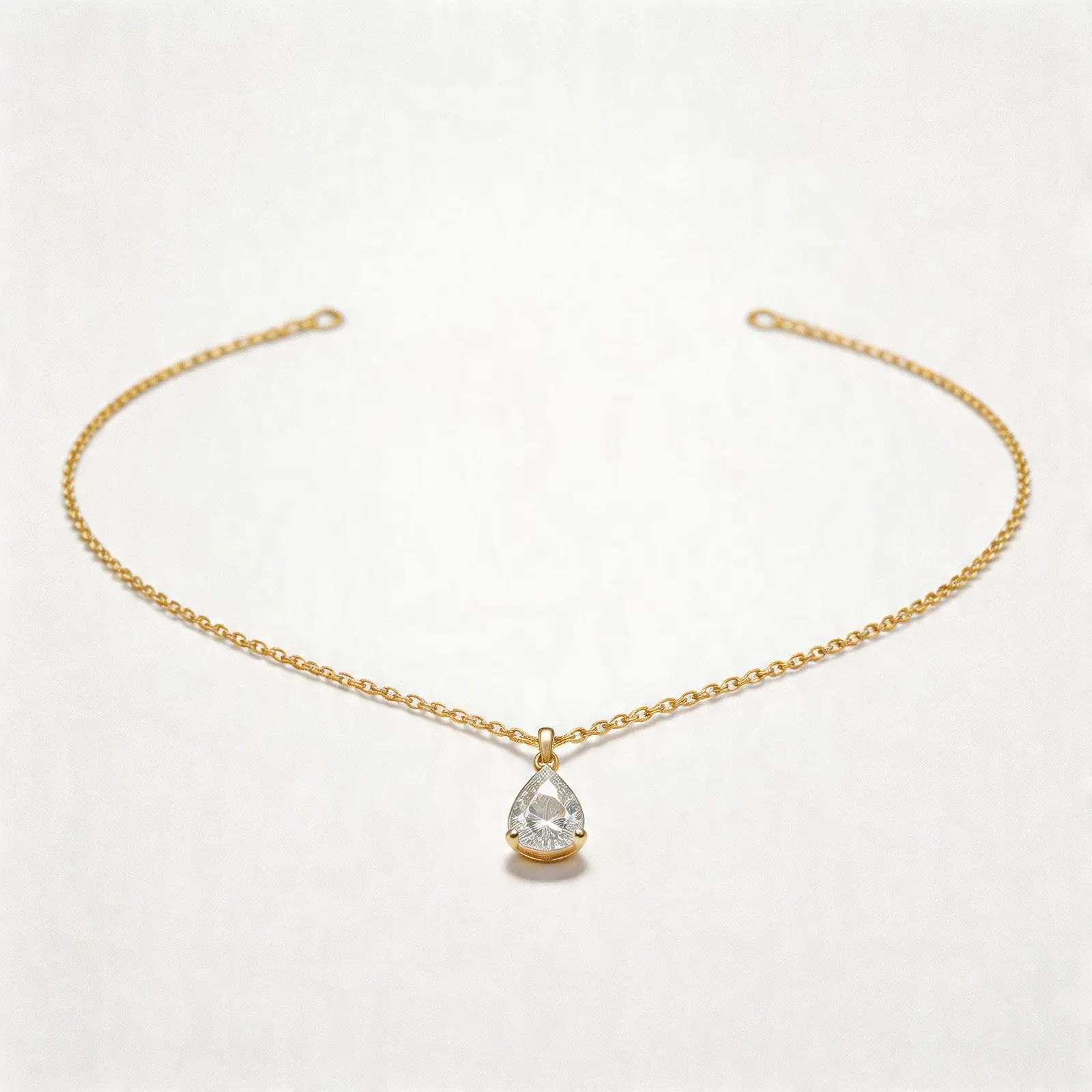
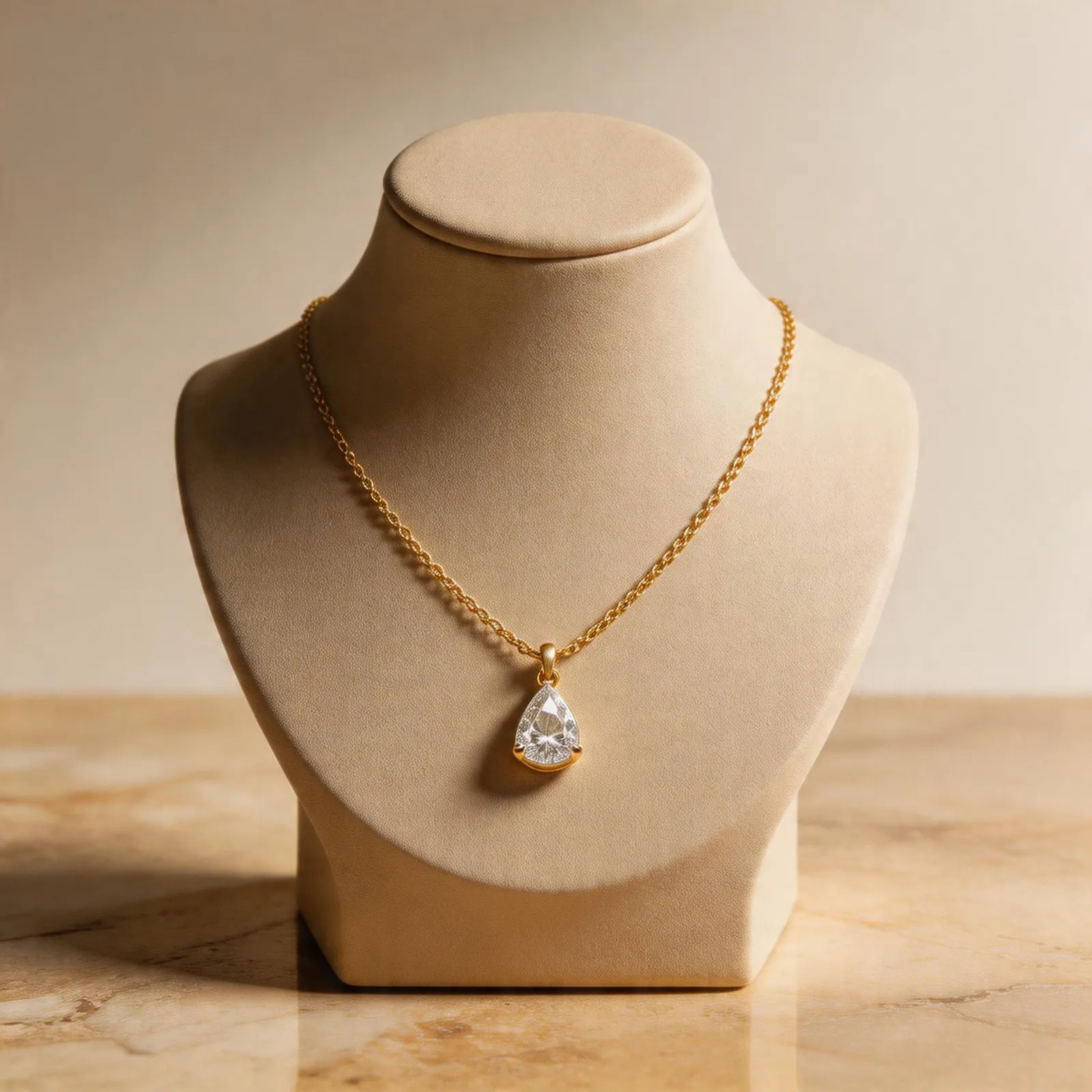
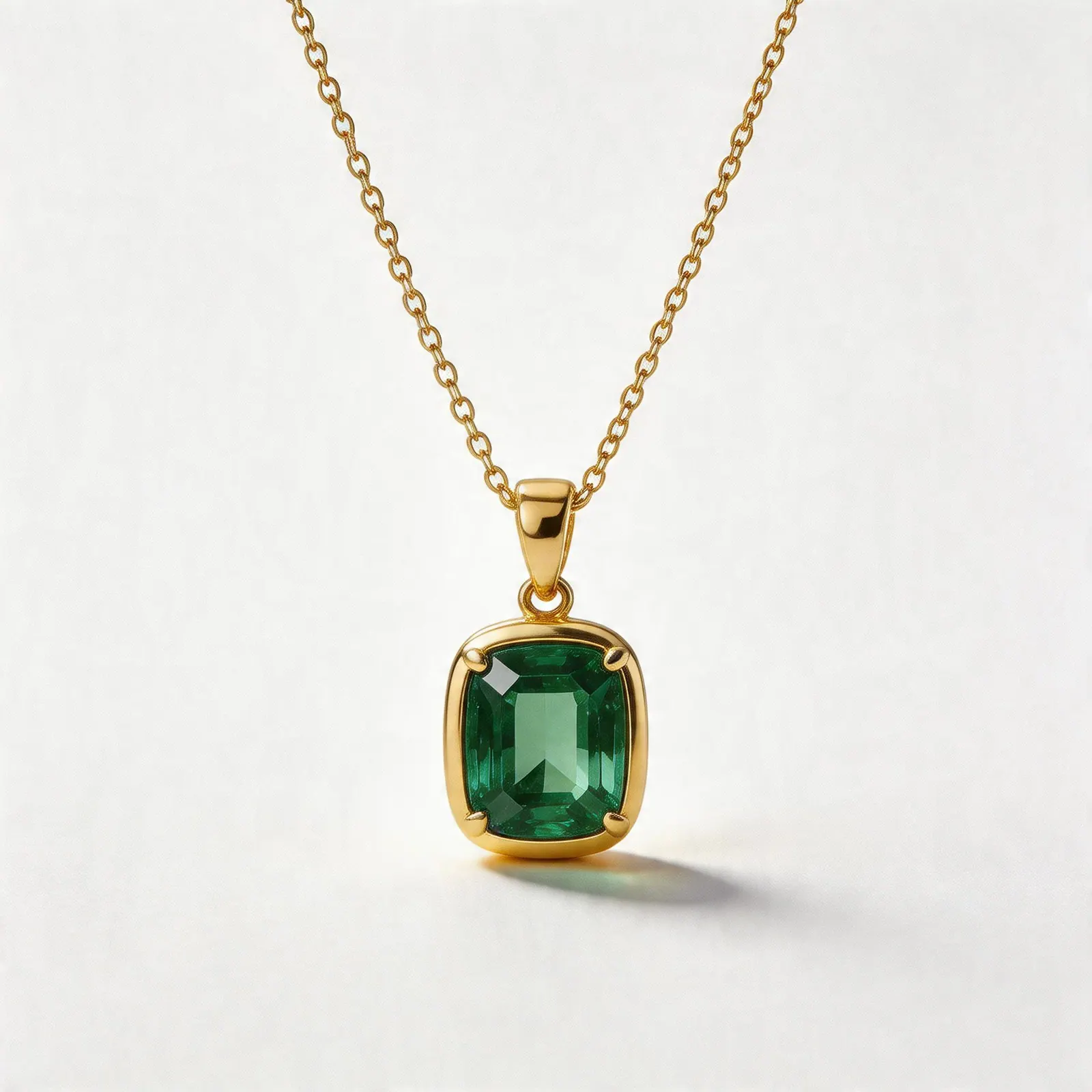
Emerald Pendant Necklace
Editorial lifestyle merchandising scene from one clean necklace upload
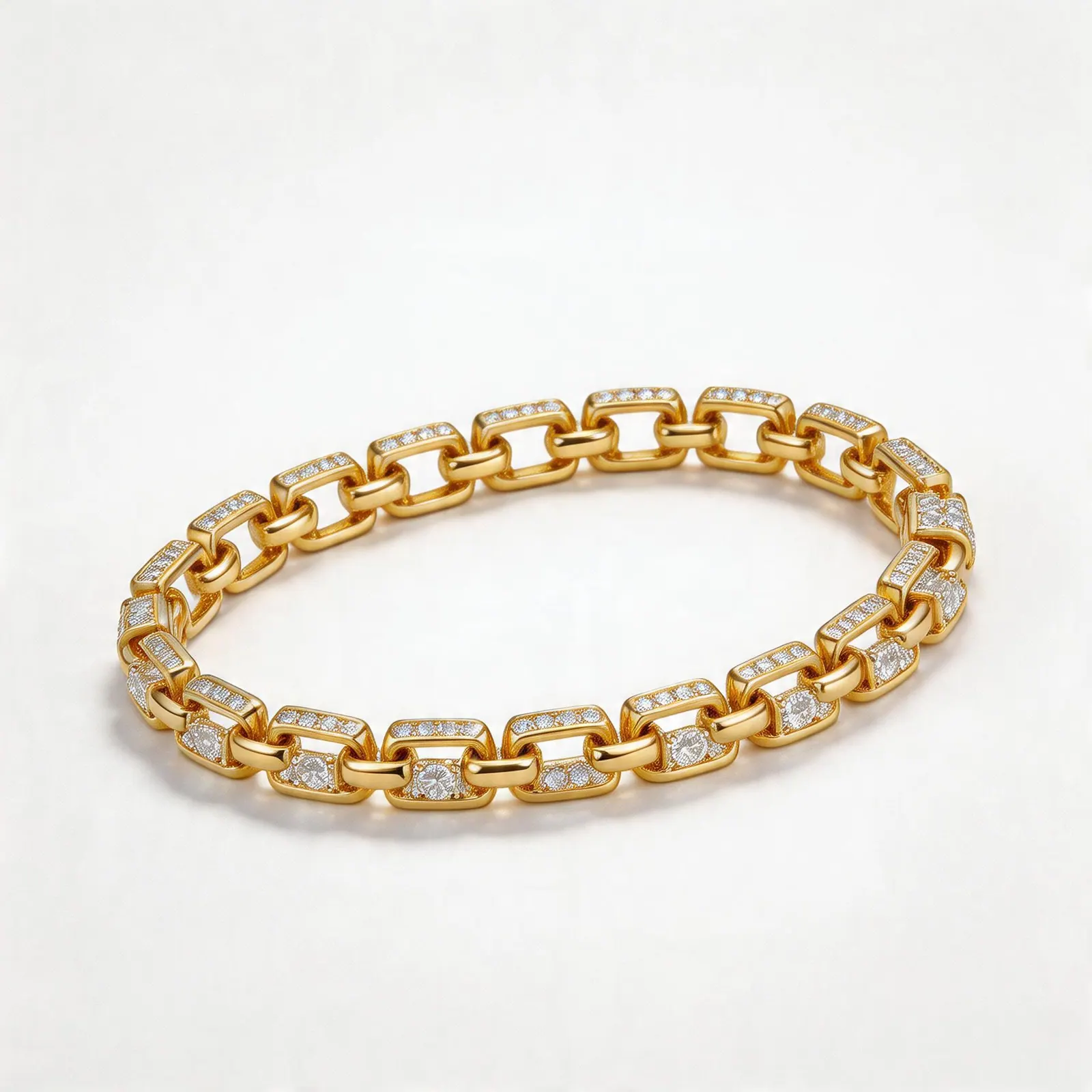
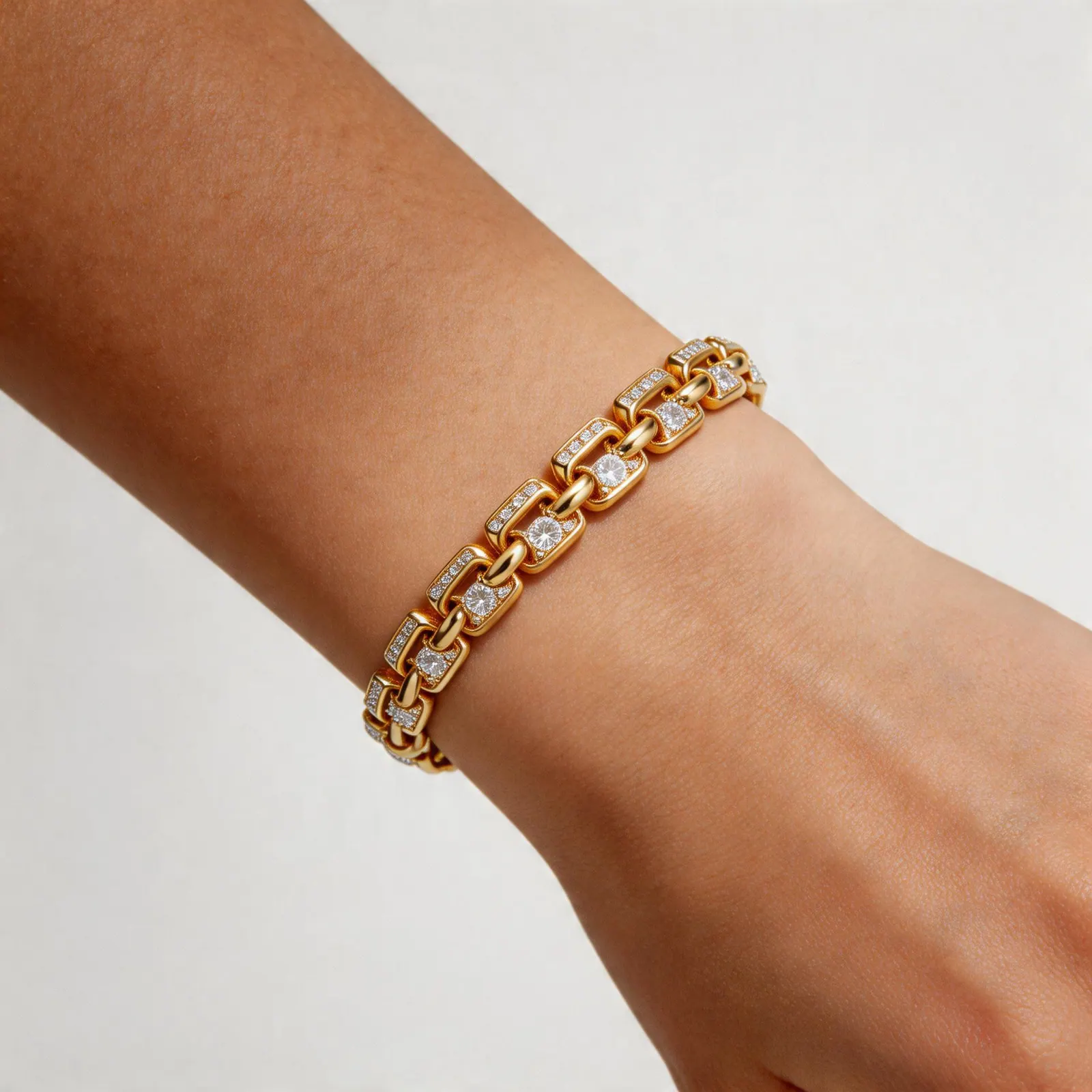
Diamond Tennis Bracelet
Virtual wearing preview with natural wrist context and controlled gem sparkle
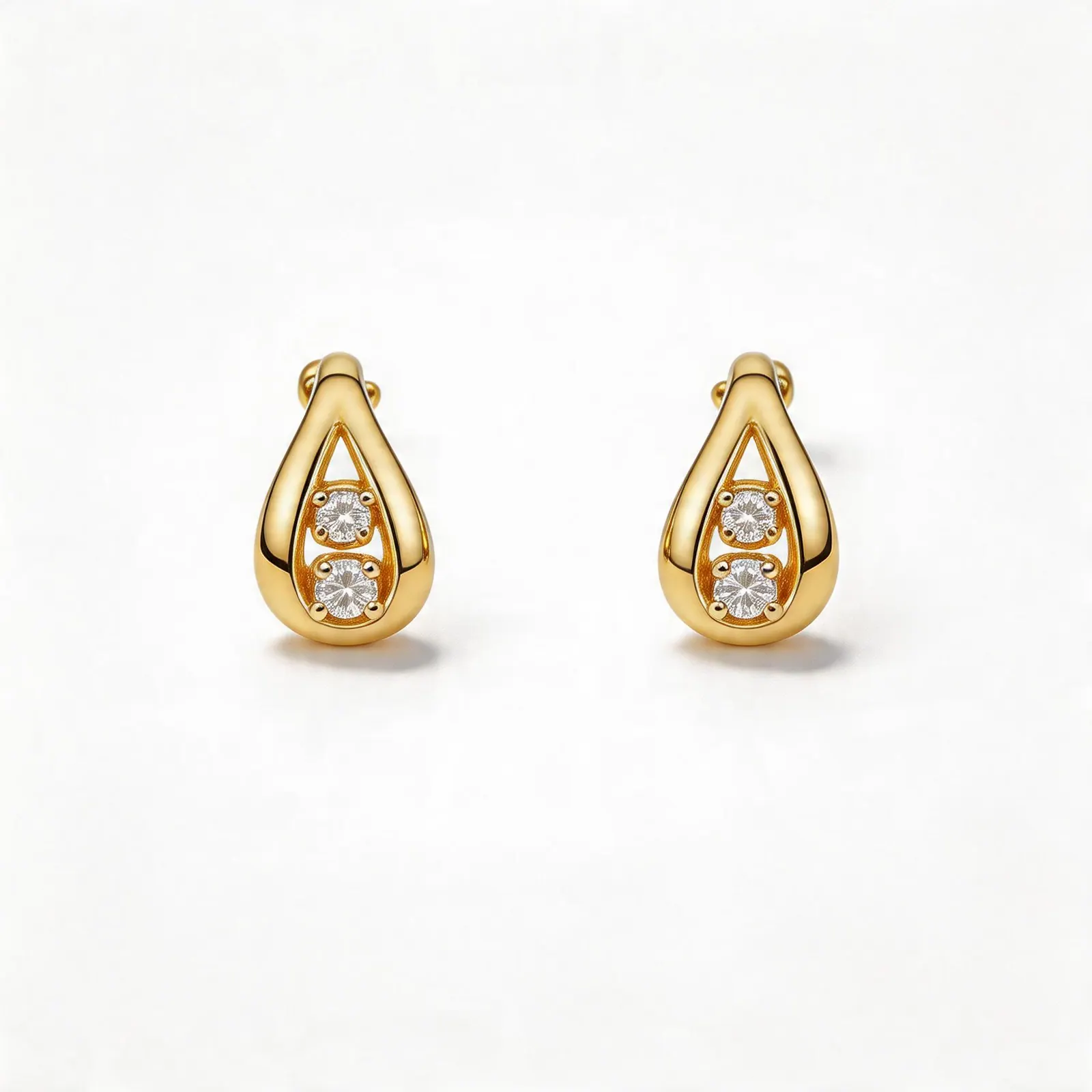
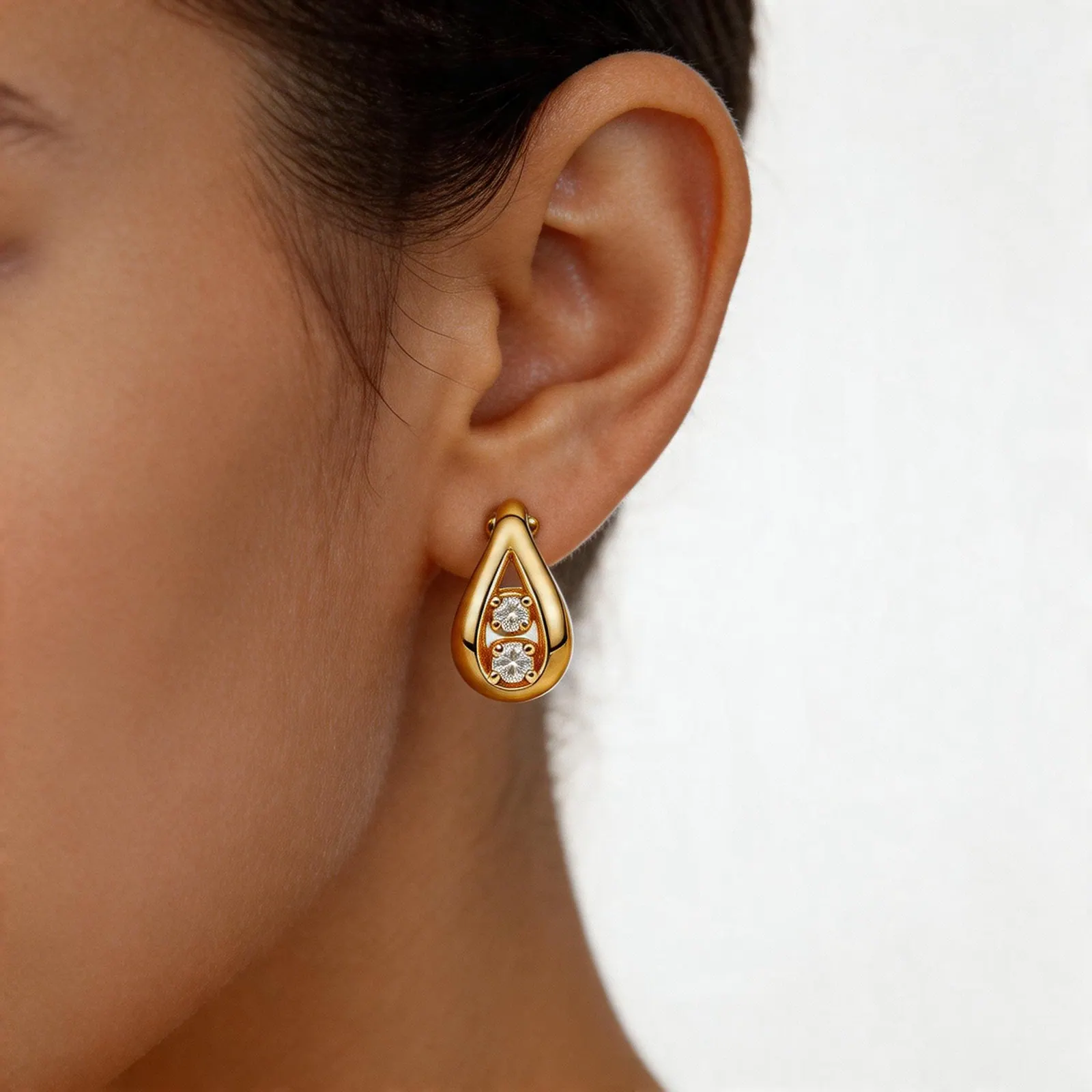
Diamond Accent Earrings
Single-ear virtual wearing crop with believable scale and clean beauty framing
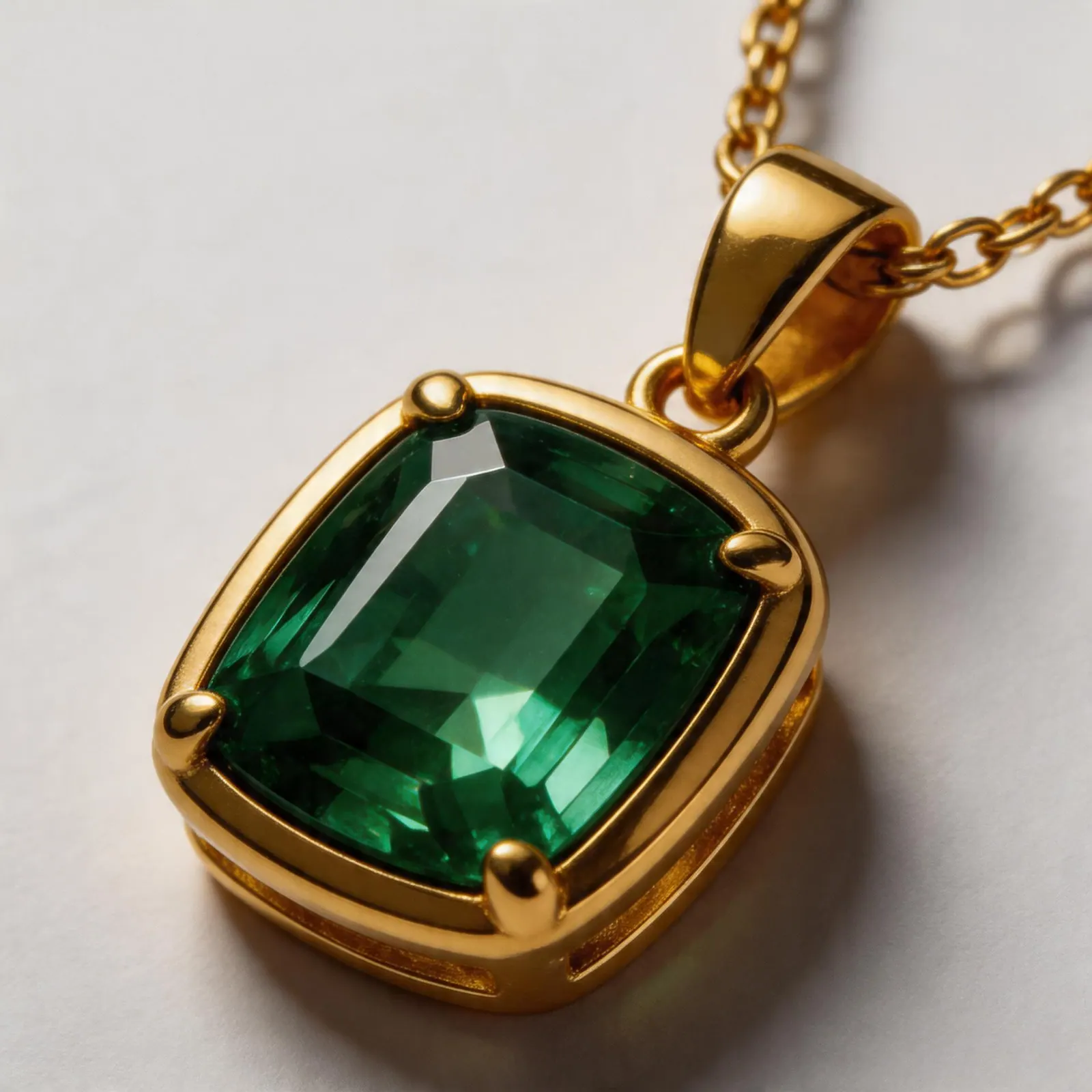
Emerald Pendant Detail
Macro craftsmanship crop focused on gemstone depth, frame setting, and polish
Campaign Ring Still Life
Warm editorial luxury scene for homepage heroes, launches, and paid social
5 core capabilities
Everything Jewelry Sellers Need
White backgrounds, lifestyle scenes, virtual wearing context, detail crops, and mixed launch-set output — all tuned for jewelry sellers.
Real Metal & Gem Sparkle
Authentic gold, silver, and platinum reflections. Vivid diamond fire and brilliance that rivals professional studio photography.
Virtual Wearing Context
Generate hands, necklines, ear crops, and styled placement shots that help buyers understand fit without booking a shoot.
Amazon-Ready White Background
Pure white background with clean spacing, polished edges, and natural product presentation. Main-image outputs designed for listing workflows and final review.
Launch Set Output
For Pro and Premium sellers, generate a mixed set of white backgrounds, lifestyle scenes, virtual wearing, and detail crops from one upload.
How it works
Upload → Choose → Generate
Three simple steps. No prompts to write, no photography knowledge needed. Just upload your jewelry photo and let AI do the rest.
Upload Your Jewelry Photo
Drag and drop any product photo — phone snap, catalog image, or studio shot.
Choose Your Mode
Choose one mode or open Launch Set to mix 2 to 4 output types in a single generation.
Review and Export
Most runs finish in roughly 15 to 40 seconds. Download the results you need for marketplaces, ads, and storefronts.
Free first run
Create your first jewelry photo before you pay
Get 50 welcome credits after signup, enough to test the core white-background and listing workflows before choosing a plan.
No credit card required · 50 credits covers roughly 8-10 basic outputs