Amazon Jewelry Main Images: How to Create Clean White Backgrounds Faster
A seller-friendly guide to producing Amazon-style white background jewelry images while keeping the product accurate.
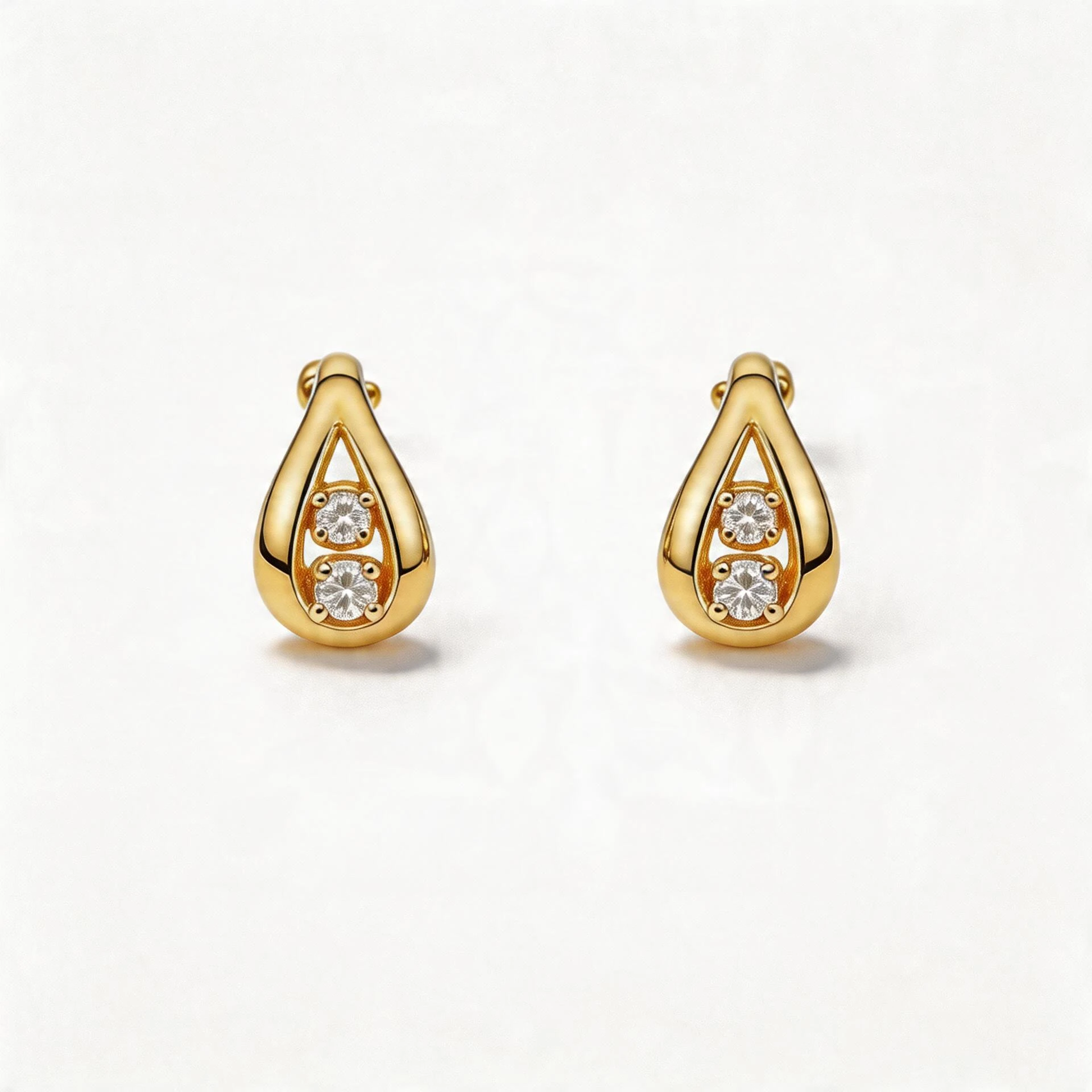
Marketplace main image
White backgrounds should keep edges, shadows, scale, and material reads accurate enough for Amazon-style listing review.
Guide path
Marketplace Compliance
Turn one product source into clean Amazon and Etsy-ready listing assets.
The job of an Amazon jewelry main image
Amazon main images have one job: make the product instantly understandable in search results. For jewelry, that usually means the item needs to be centered, sharp, isolated, and shown without distracting props.
The challenge is consistency. Rings, bracelets, earrings, chains, and pendants all reflect light differently, and even a small shadow or color cast can make a catalog look uneven.
A faster white-background workflow
- Choose the clearest source image of the real product.
- Remove busy surfaces and replace them with a clean white background.
- Keep natural contact shadows only when they help the product feel grounded.
- Check that gemstone color, metal tone, chain shape, and clasp details remain accurate.
- Export a square crop for marketplace thumbnails.
This workflow does not replace product accuracy. It removes the visual noise that stops buyers from understanding the product quickly.
What to avoid
- Do not add props to the main image if the channel requires a clean product-only shot.
- Do not over-smooth metal until engraving, texture, or pavé details disappear.
- Do not use generated hands or bodies for the main marketplace image.
- Do not change the physical scale of the item.
Use supporting images for persuasion
After the main image, use secondary images to explain value: a close-up for craftsmanship, a lifestyle scene for gifting, a scale image for size, and a collection image when you sell variations.
How JwlProdShot helps
JwlProdShot can turn one source upload into a white-background image and supporting visuals for a jewelry listing. Sellers can keep the first image clean while still creating richer gallery assets for conversion.
Practical checklist
What to do next
The goal is not a sterile cutout. It is a compliant image that still preserves metal, gemstone, and product geometry.
Try this workflow in Generate
Use this guide as your QA checklist, then generate the matching jewelry image set from one source photo.
Open GenerateRelated jewelry photo guides
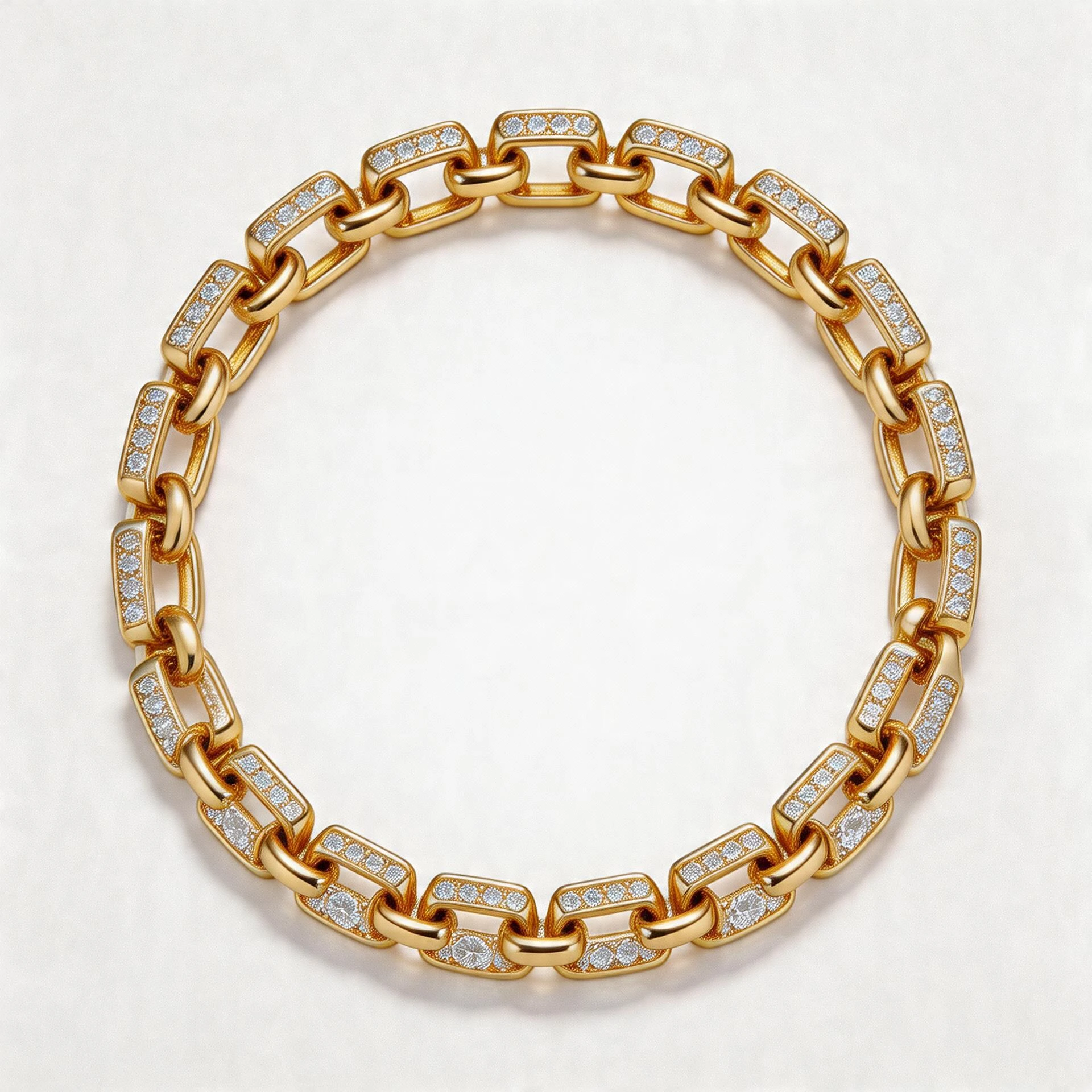
White background rules
White Background Jewelry Photos for Amazon, Etsy, and Shopify: What Actually Matters
A channel-by-channel guide to white background jewelry photos and how to keep them clean, accurate, and conversion focused.
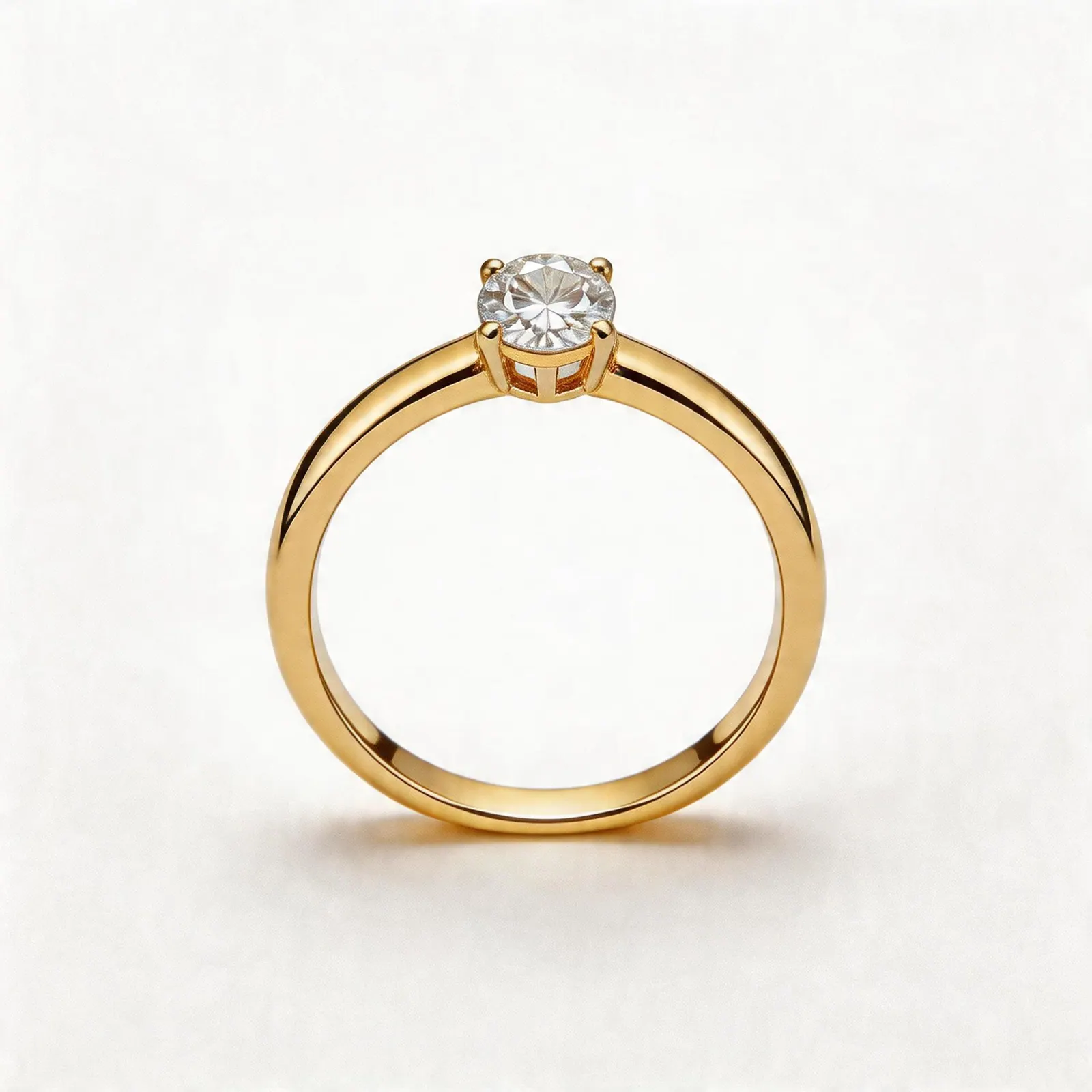
Thumbnail QA
Amazon Jewelry Thumbnail Mistakes That Make Products Look Cheap
Avoid tiny crops, gray backgrounds, harsh reflections, and inaccurate AI edits in marketplace search thumbnails.
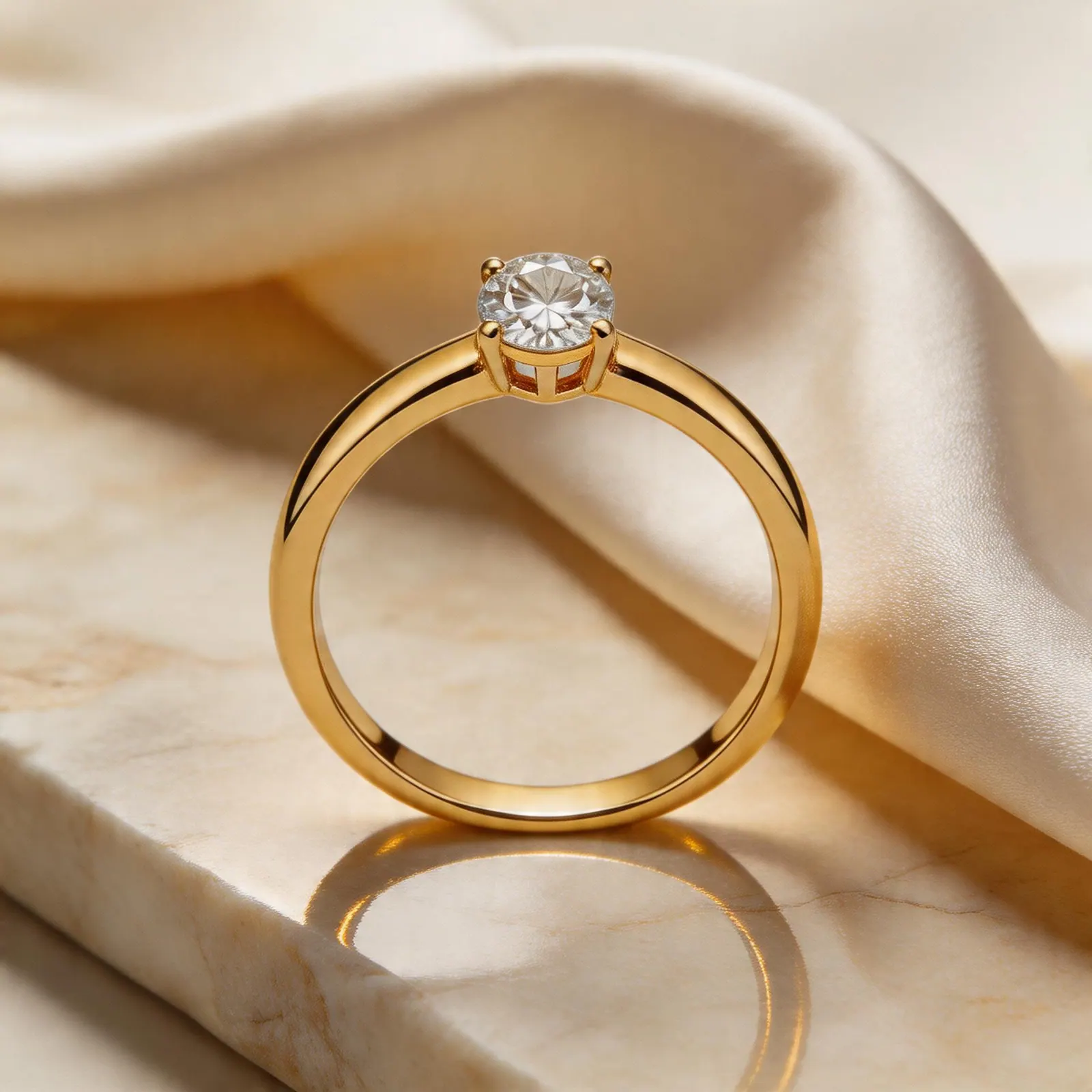
Etsy gallery system
How Etsy Jewelry Sellers Can Use AI Product Photos Without Losing Brand Trust
A practical workflow for turning one ring, necklace, or earring upload into Etsy-ready listing images, lifestyle scenes, and detail shots.