How Etsy Jewelry Sellers Can Use AI Product Photos Without Losing Brand Trust
A practical workflow for turning one ring, necklace, or earring upload into Etsy-ready listing images, lifestyle scenes, and detail shots.
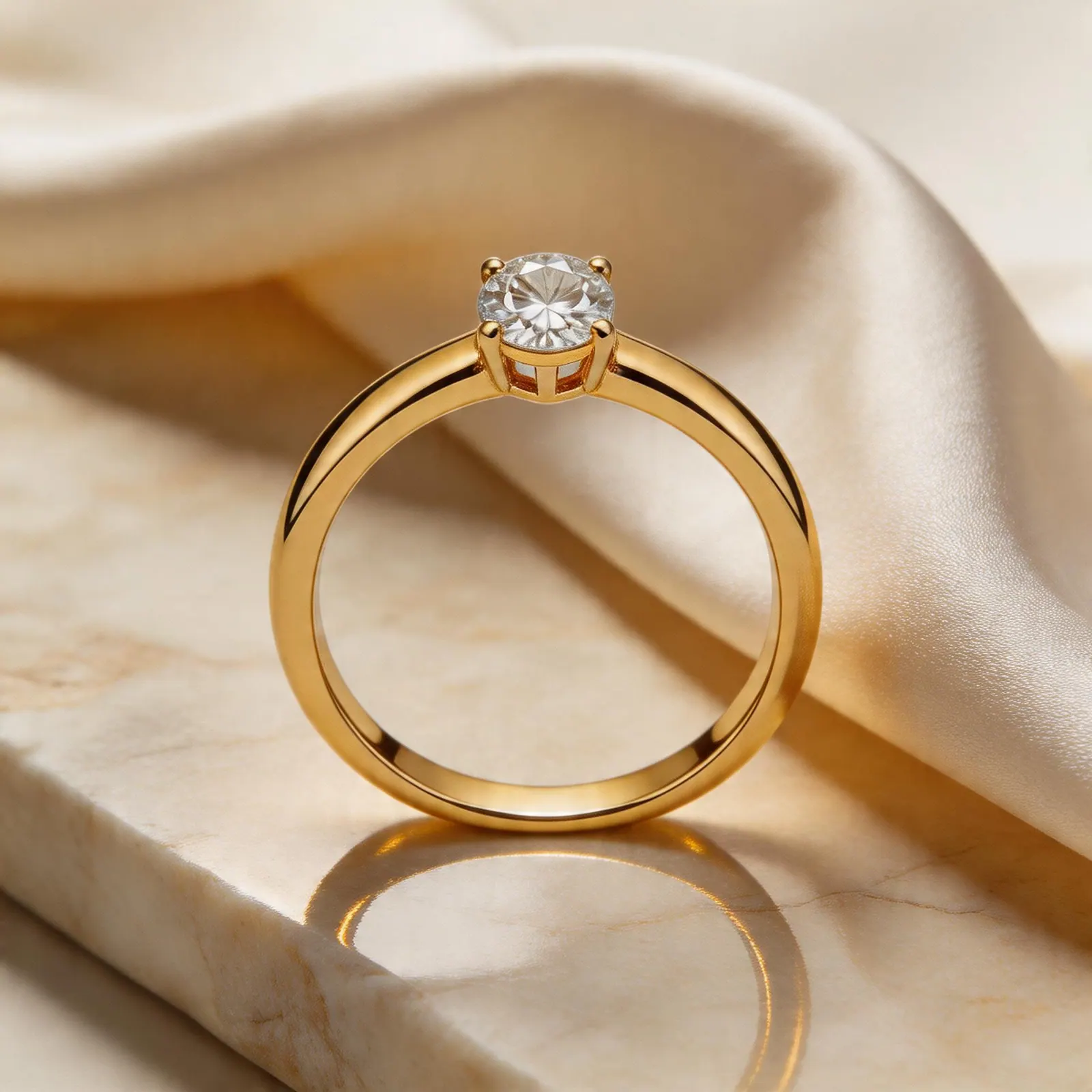
Etsy gallery system
Build a complete listing gallery from one source product photo: main image, detail image, scale context, and styled scene.
Guide path
Listing Gallery System
Build a full Etsy or Shopify product gallery that answers buyer questions visually.
Why Etsy jewelry photos need more than one clean image
Etsy shoppers buy with their eyes first. A clean hero image helps the product feel trustworthy, but the gallery usually needs more: scale, texture, packaging mood, and a reason to imagine the piece as a gift.
For small jewelry shops, the hard part is not knowing what to shoot. The hard part is producing enough useful variations without paying for a new studio session every time you launch a small batch.
A simple five-image Etsy workflow
- Start with a sharp product upload on a neutral surface.
- Generate one clean marketplace image for the first listing slot.
- Create one lifestyle scene that matches your brand mood.
- Add a close-up that shows stones, prongs, engraving, or chain texture.
- Add one scale or wearing-style image when the product benefits from context.
This gives shoppers a fast answer to the questions they usually have: what does it look like, how big is it, how premium does it feel, and can I picture wearing or gifting it?
Keep the AI work honest
AI product photography should make your listing clearer, not misleading. Avoid changing the gemstone color, metal finish, clasp shape, pendant size, or any detail that affects the buyer's expectations. Treat generated scenes as presentation assets around the real product, not a way to invent a different product.
Listing image checklist
- Use a clean first image with the full product visible.
- Keep the crop generous enough for Etsy search thumbnails.
- Use consistent lighting across products in the same collection.
- Show important materials and dimensions in the description too.
- Reuse the same visual style across collections so the shop feels intentional.
Where JwlProdShot fits
JwlProdShot is useful when you already have a real product photo and need more listing-ready visuals around it. Upload once, then generate white backgrounds, lifestyle scenes, close-ups, and launch sets for a consistent Etsy gallery.
Practical checklist
What to do next
Etsy shoppers need clarity first, then handmade trust. Treat every gallery slot like a small sales objection you can answer visually.
Try this workflow in Generate
Use this guide as your QA checklist, then generate the matching jewelry image set from one source photo.
Open GenerateRelated jewelry photo guides
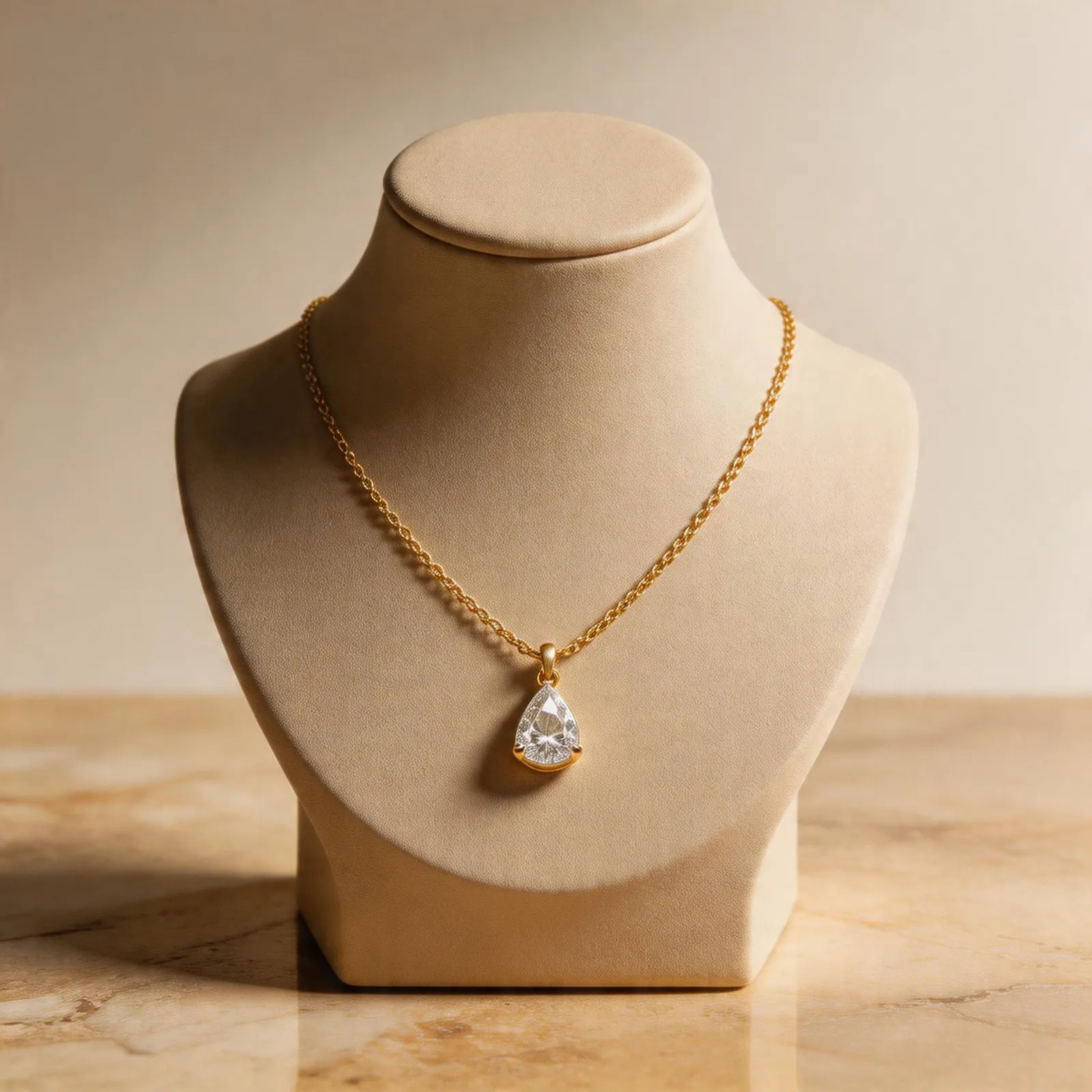
Shopify PDP system
A Shopify Jewelry Product Photo Workflow for Faster Collection Launches
Use AI-assisted product photos to create consistent Shopify PDP images, collection thumbnails, and campaign assets from one upload.
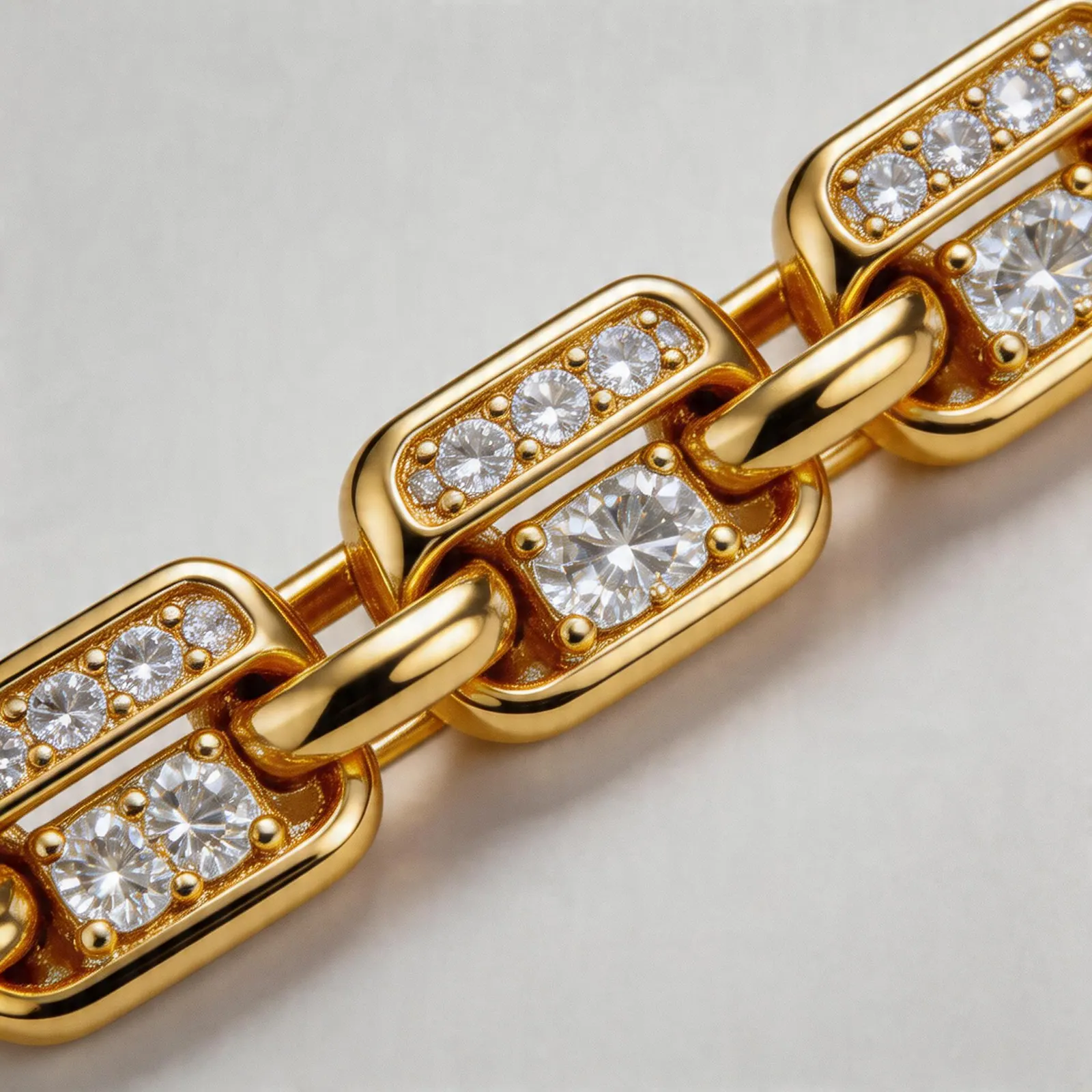
Product-specific workflow
Bracelet Product Photography: AI-Assisted Ideas for Better Listing Galleries
Use AI-assisted backgrounds, close-ups, and scale visuals to make bracelet listings easier to understand.
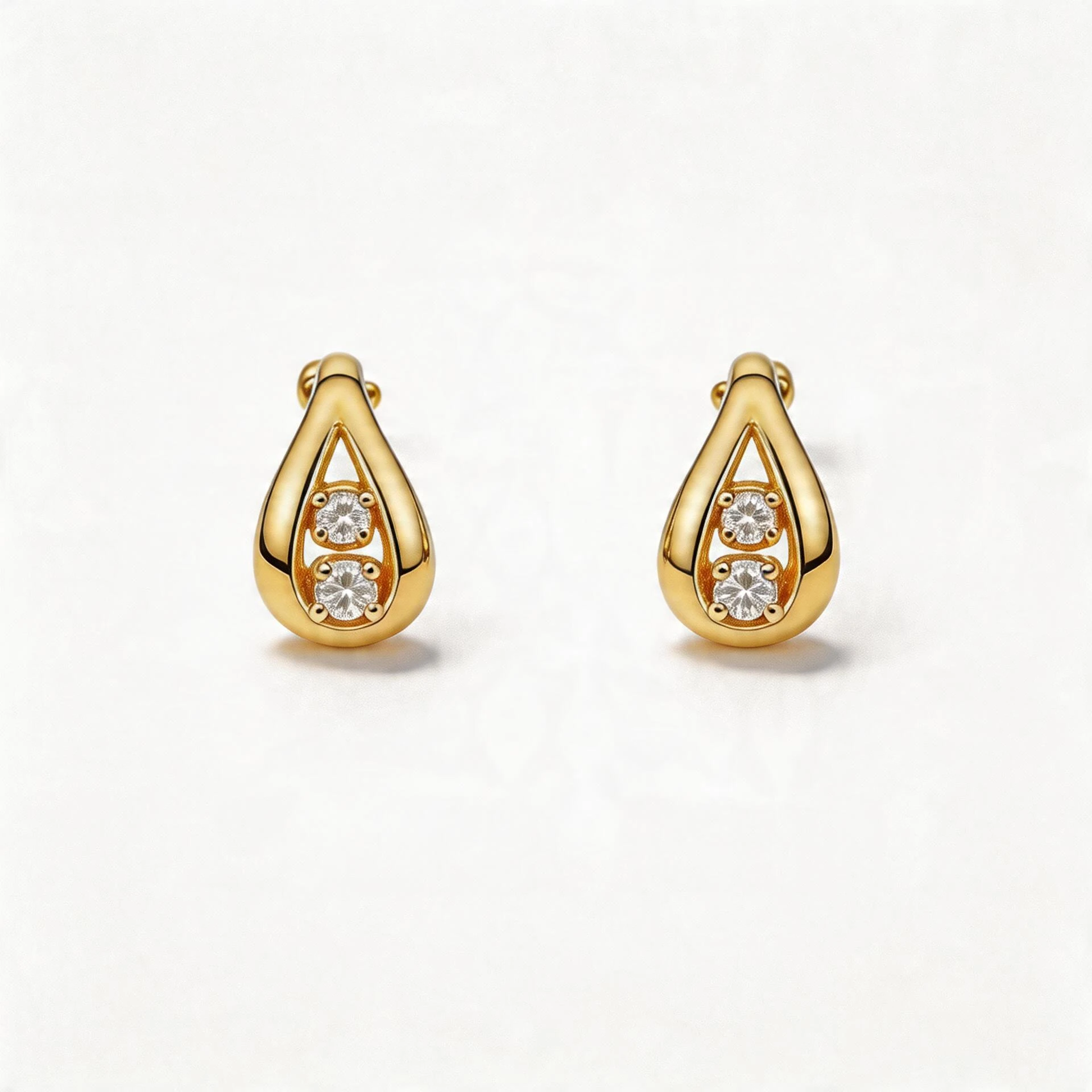
Marketplace compliance
Amazon Jewelry Main Images: How to Create Clean White Backgrounds Faster
A seller-friendly guide to producing Amazon-style white background jewelry images while keeping the product accurate.