A Shopify Jewelry Product Photo Workflow for Faster Collection Launches
Use AI-assisted product photos to create consistent Shopify PDP images, collection thumbnails, and campaign assets from one upload.
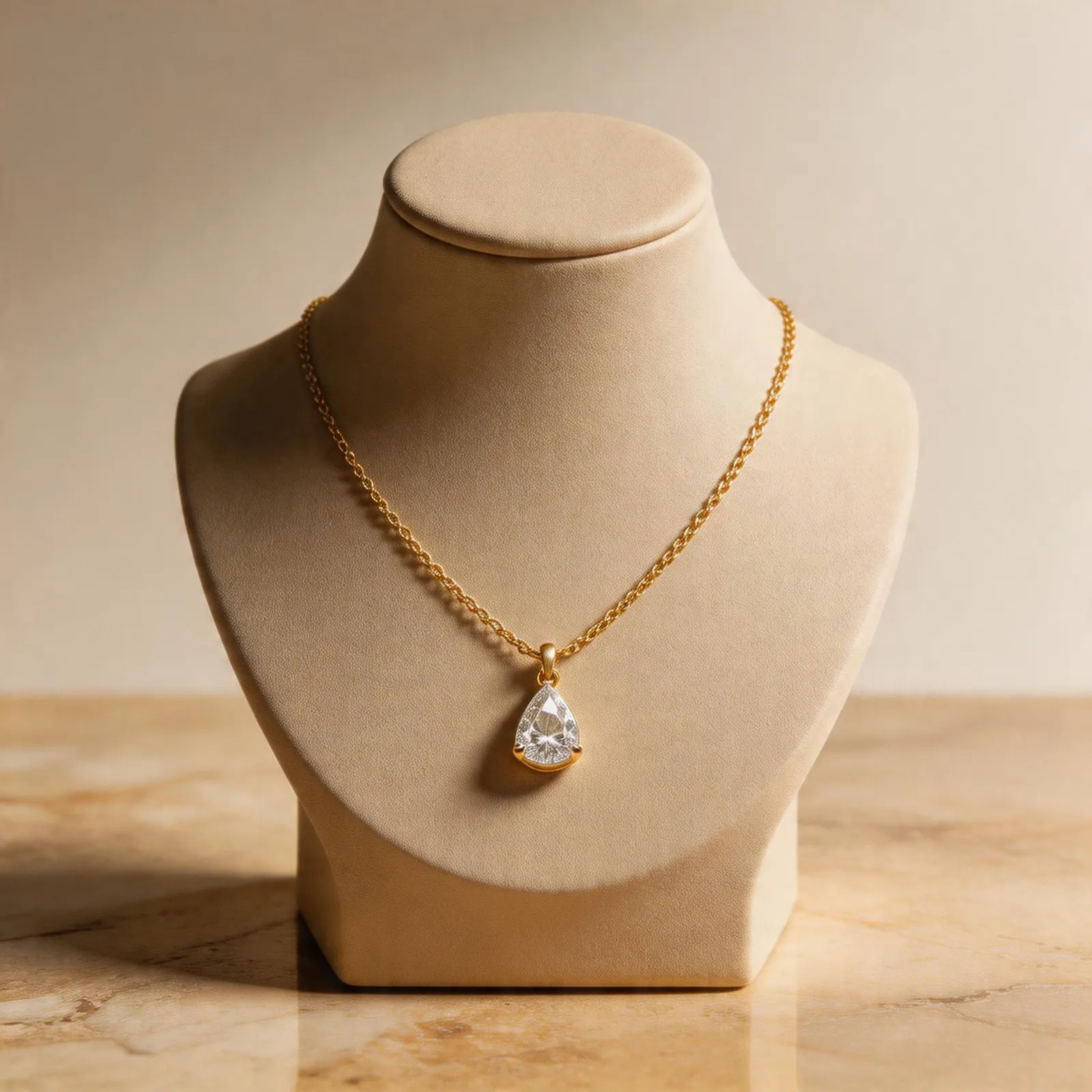
Shopify PDP workflow
Shopify galleries work best when the product page feels consistent across main images, detail crops, and brand scenes.
Guide path
Listing Gallery System
Build a full Etsy or Shopify product gallery that answers buyer questions visually.
Shopify stores need consistency more than volume
On Shopify, your product photos sit inside your own brand environment. A marketplace image can be purely functional, but a Shopify product page should also feel like your brand. The best stores keep lighting, crop, background style, and image order consistent across the whole collection.
AI-assisted product photography is helpful because it lets you build that consistency after the initial product upload.
Recommended image order for jewelry product pages
- Clean product image for fast recognition.
- Close-up detail image for craftsmanship and materials.
- Lifestyle image that matches the collection mood.
- Scale or wearing-style image when size matters.
- Variant or set image when buyers compare options.
This order keeps the page easy to scan and gives the shopper more confidence before they reach the size, material, and shipping details.
Reuse assets across Shopify surfaces
One product photo workflow can support more than the PDP. Use square crops for collection grids, vertical crops for social ads, clean images for email modules, and lifestyle versions for home page merchandising.
Keep collections visually related
If a collection uses soft natural light, keep that look across every product. If another collection uses a luxury dark set, make it intentional and repeatable. The visual system matters because shoppers often compare several pieces before choosing one.
Where JwlProdShot fits
JwlProdShot helps Shopify jewelry brands generate product-page-ready variations from a source photo. It is especially useful for small teams that launch new SKUs often and need consistent images before a full studio shoot is practical.
Practical checklist
What to do next
Think in sets, not single images. Your Shopify gallery should move from recognition to desire to purchase confidence.
Try this workflow in Generate
Use this guide as your QA checklist, then generate the matching jewelry image set from one source photo.
Open GenerateRelated jewelry photo guides
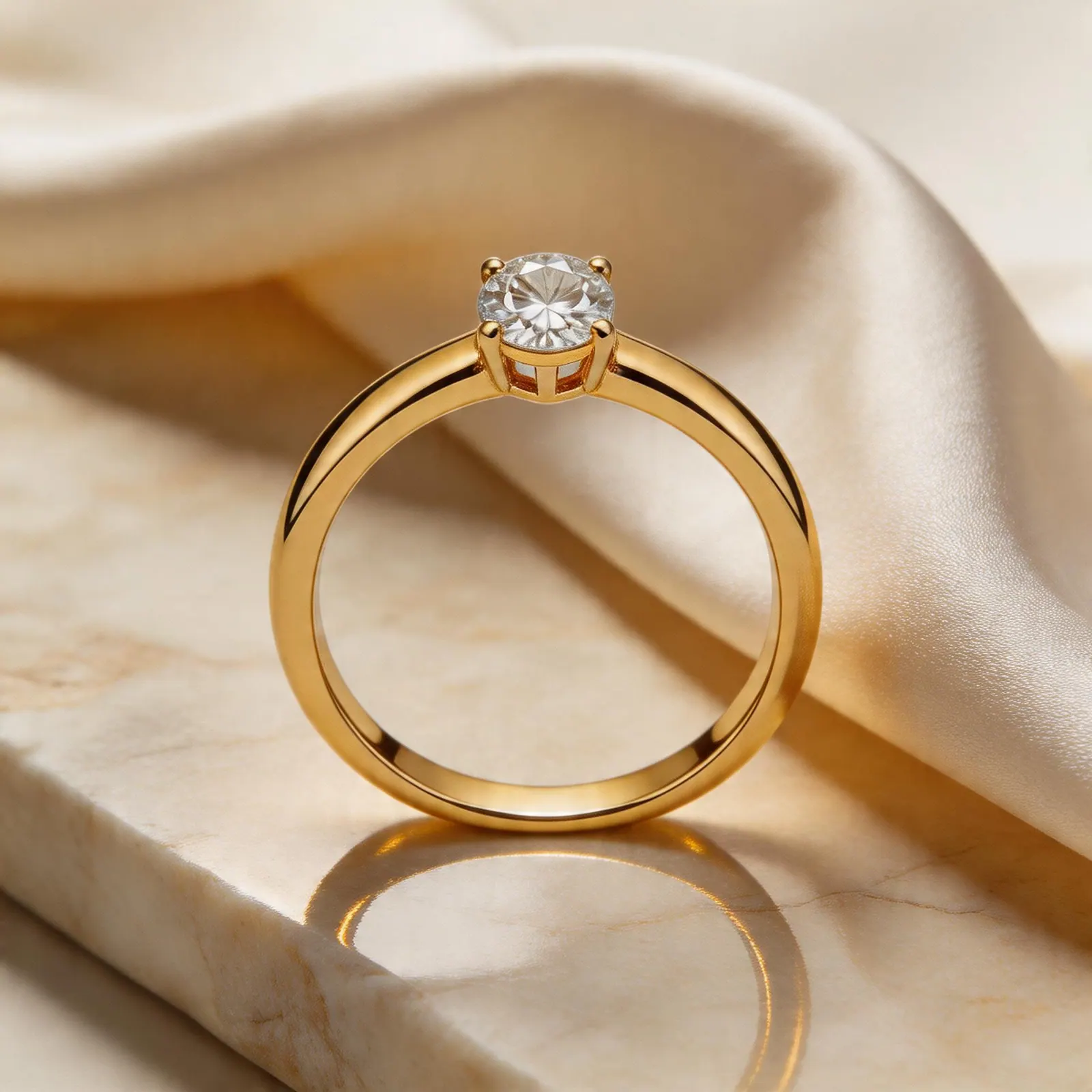
Etsy gallery system
How Etsy Jewelry Sellers Can Use AI Product Photos Without Losing Brand Trust
A practical workflow for turning one ring, necklace, or earring upload into Etsy-ready listing images, lifestyle scenes, and detail shots.
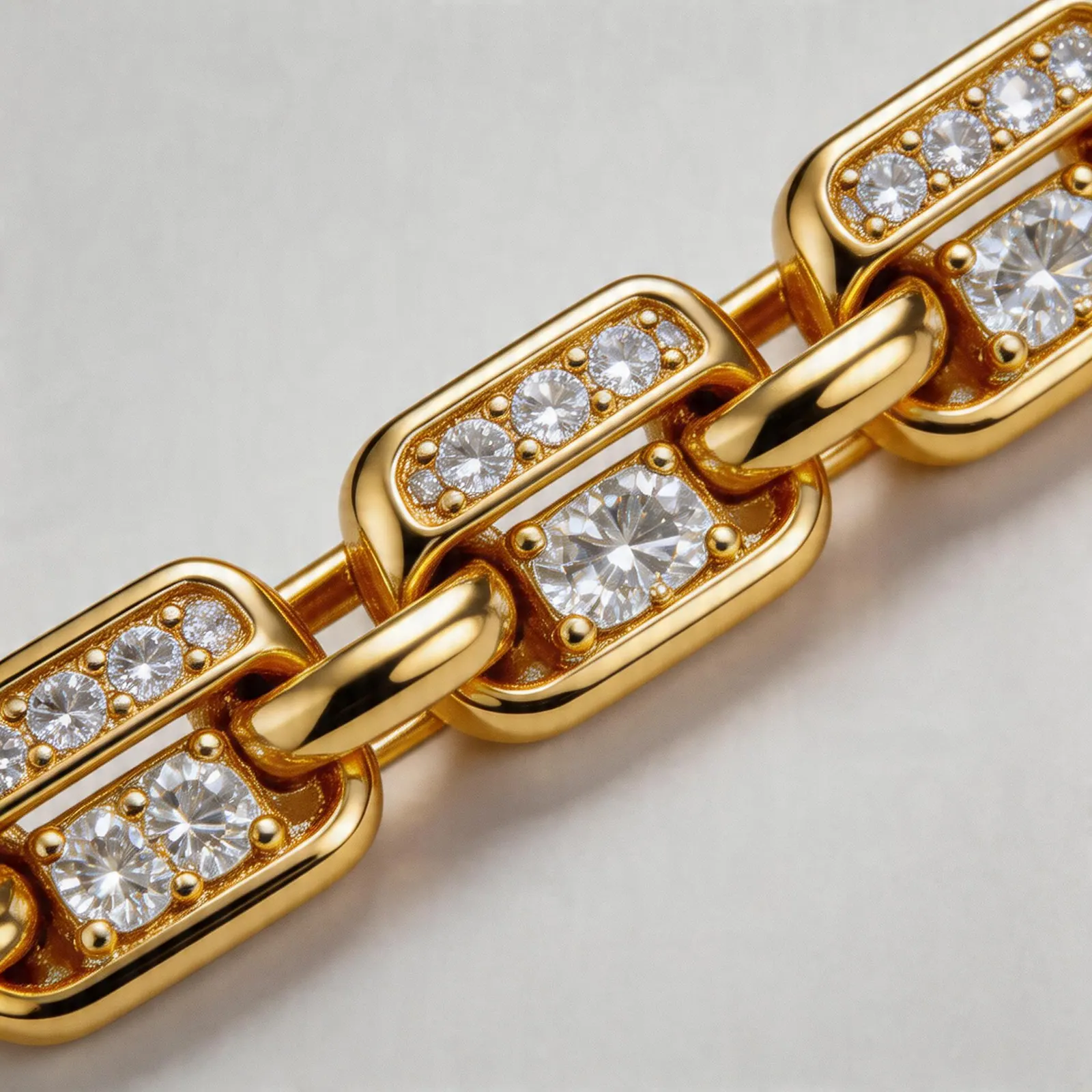
Product-specific workflow
Bracelet Product Photography: AI-Assisted Ideas for Better Listing Galleries
Use AI-assisted backgrounds, close-ups, and scale visuals to make bracelet listings easier to understand.
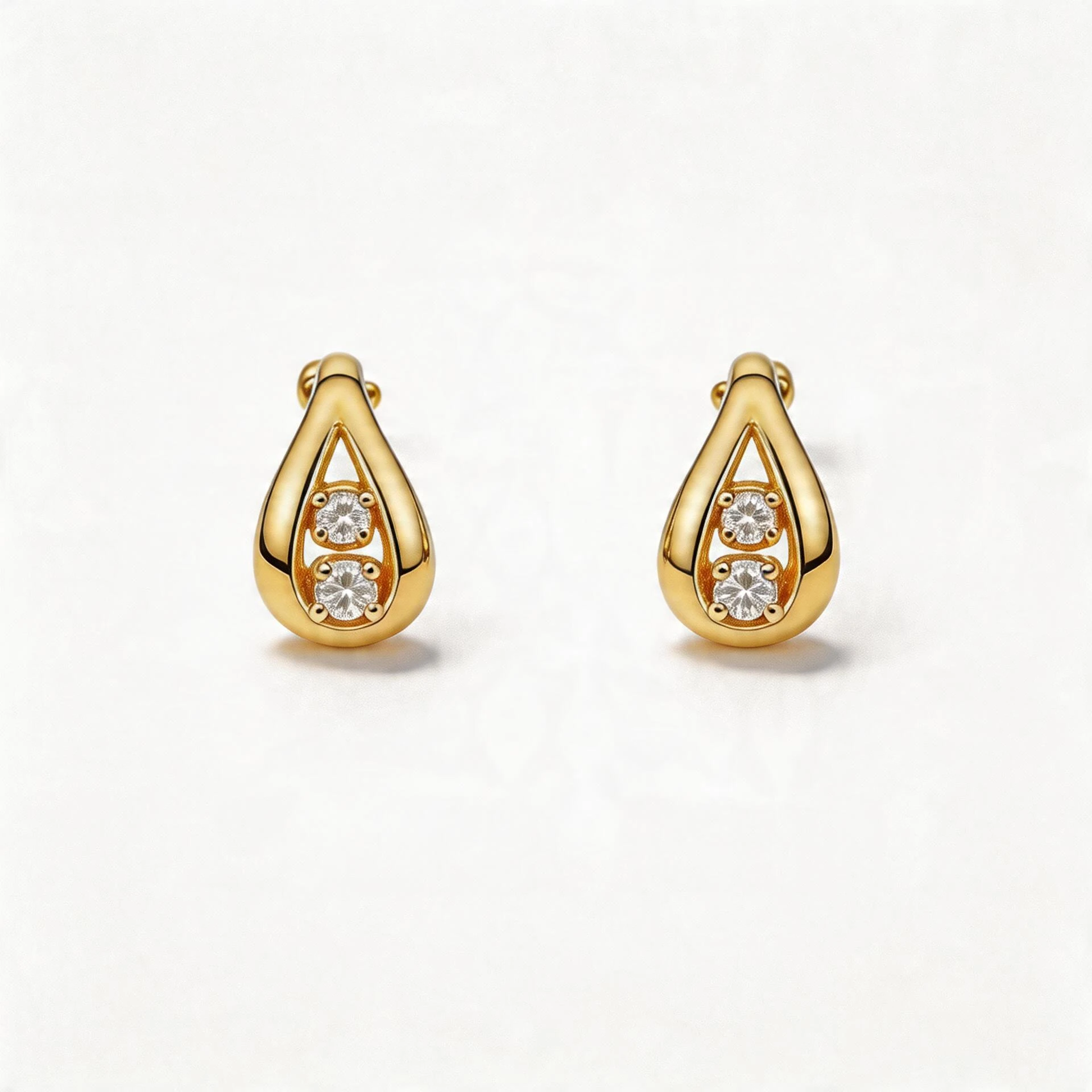
Marketplace compliance
Amazon Jewelry Main Images: How to Create Clean White Backgrounds Faster
A seller-friendly guide to producing Amazon-style white background jewelry images while keeping the product accurate.