Jewelry Product Photography Cost: Studio Shoot vs DIY vs AI-Assisted Workflow
A clear comparison for jewelry sellers deciding when to book a photographer, shoot in-house, or use AI-generated listing assets.
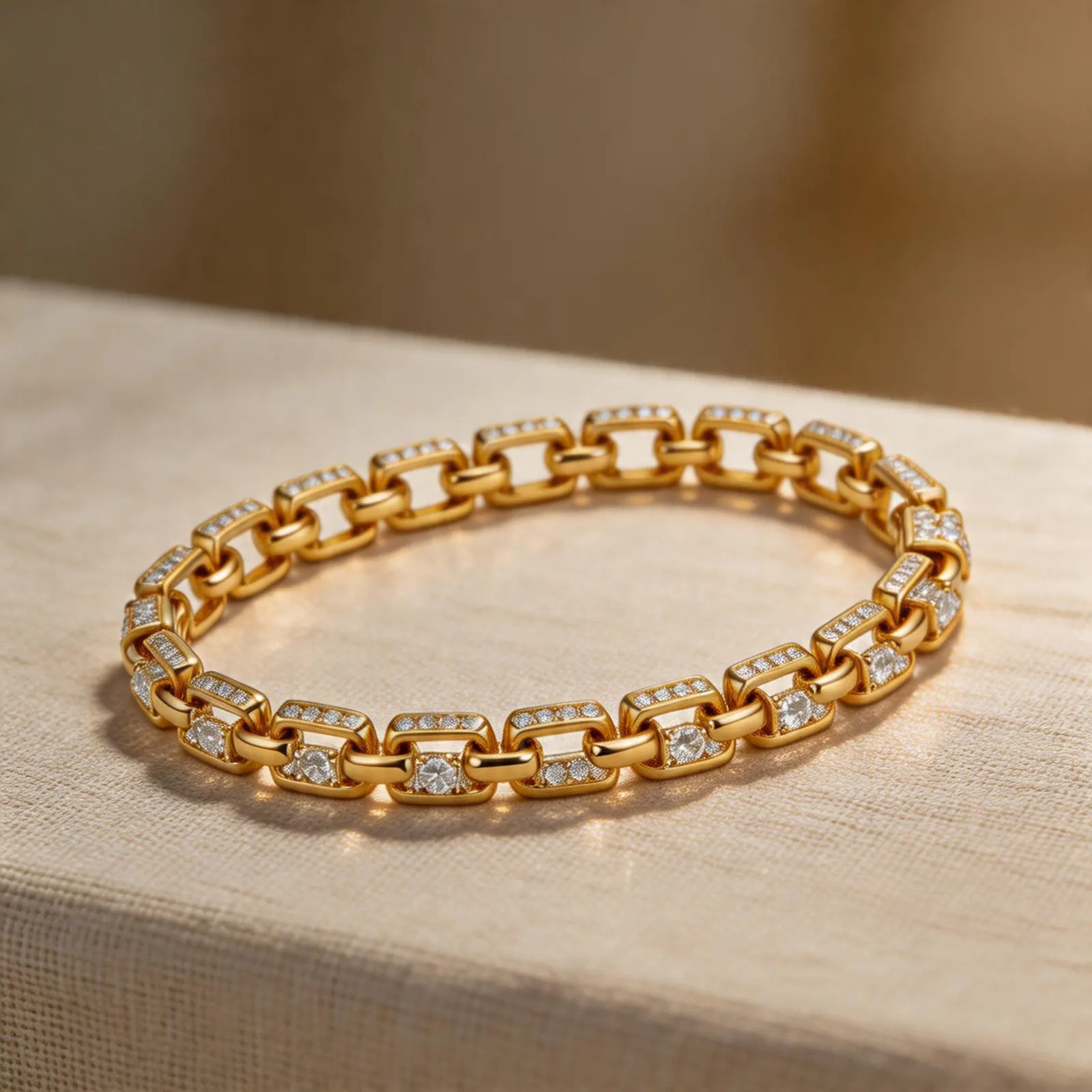
Production planning
AI-assisted production is strongest for repeatable listing assets, refreshes, and campaign variants around existing product truth.
Guide path
Launch Workflow
Move a new SKU from source photo to launch-ready images without a reshoot.
Why jewelry photography gets expensive
Jewelry is small, reflective, and detail-heavy. A good shoot often needs controlled lighting, macro focus, careful retouching, and multiple crops for different channels. That is why a full studio shoot can be worth it for hero campaigns, but too slow or expensive for every SKU.
Studio photography
Studio shoots are best for hero campaigns, premium lookbooks, founder launches, and products where exact material rendering is critical. The tradeoff is time, coordination, and cost per batch.
DIY photography
DIY can work well for early catalogs when you control light and use a repeatable setup. The risk is inconsistency: different shadows, different angles, and extra editing time for every product.
AI-assisted product photos
AI-assisted workflows are strongest when you already have a real source image and need channel-ready variations. They can help create white backgrounds, lifestyle scenes, detail-led crops, and launch assets faster.
A practical budget split
- Use studio photography for brand-defining collections.
- Use DIY for fast source captures and internal catalog records.
- Use AI-assisted generation for listing variations, campaign tests, and consistent marketplace assets.
The right question
The question is not whether AI replaces every photographer. The better question is which images need a full shoot and which images simply need to become clearer, cleaner, and ready for ecommerce.
Practical checklist
What to do next
Use professional shoots for brand-defining hero campaigns; use AI for SKU coverage, marketplace compliance, and fast iteration.
Try this workflow in Generate
Use this guide as your QA checklist, then generate the matching jewelry image set from one source photo.
Open GenerateRelated jewelry photo guides
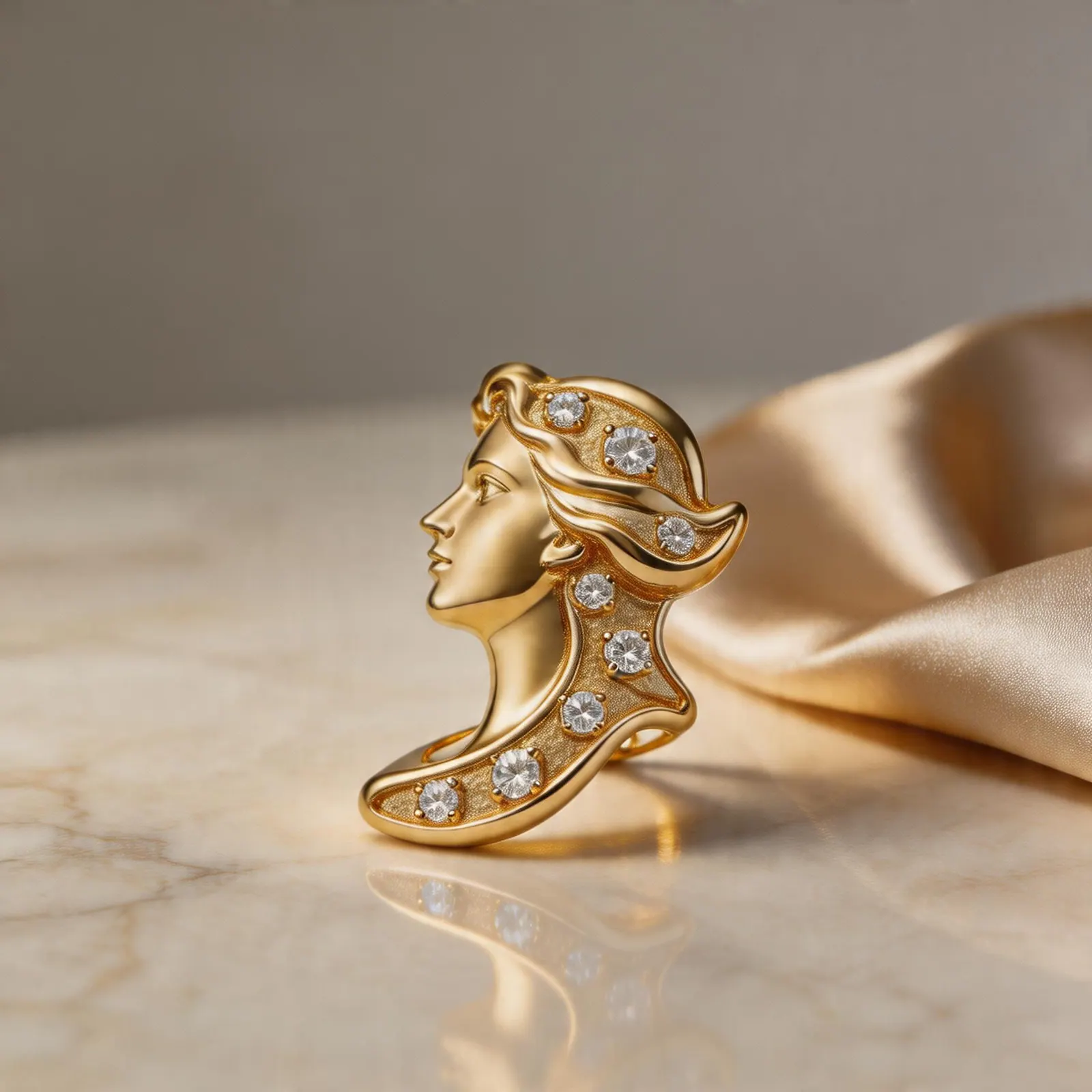
Image refresh ideas
Before and After Jewelry Listing Images: 12 Ideas That Improve Buyer Confidence
Turn one jewelry upload into a stronger listing gallery with before/after edits, detail views, clean backgrounds, and brand-ready lifestyle scenes.
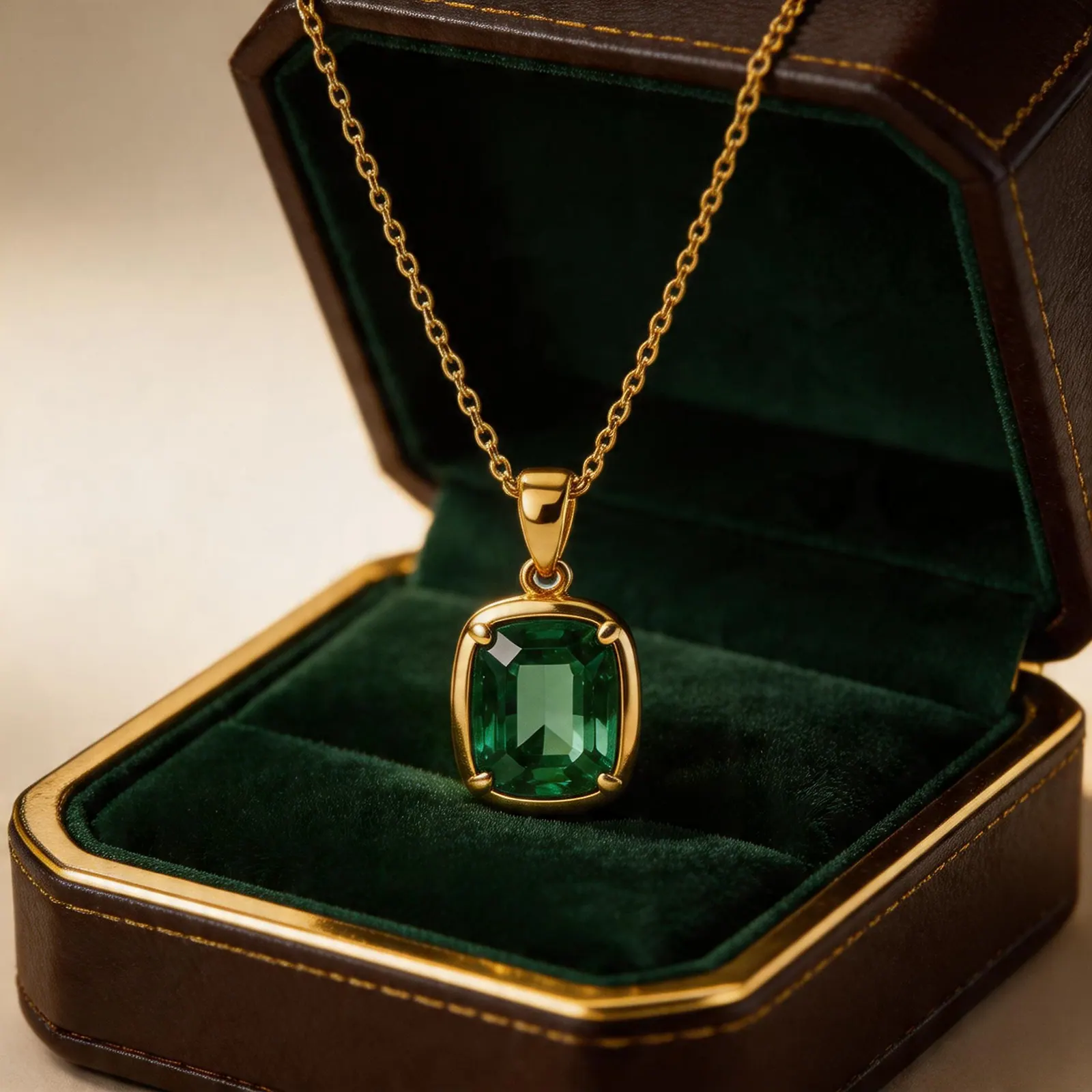
Jewelry image guide
Etsy Ring Photo Ideas That Help Shoppers Click and Compare
Use clean thumbnails, macro detail shots, scale context, and brand scenes to build a stronger Etsy ring gallery.
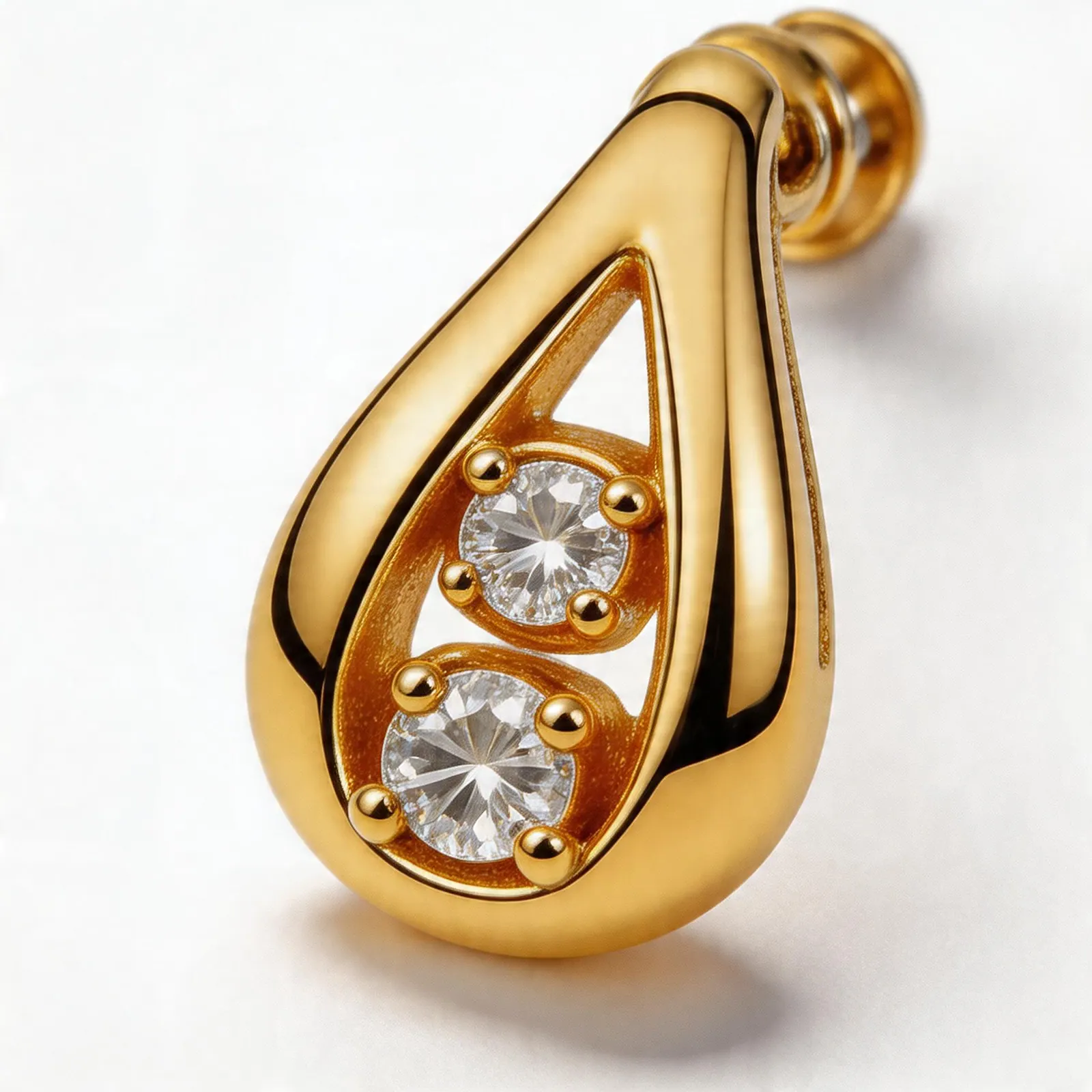
Jewelry image guide
How to Build a Consistent Shopify Jewelry Collection Image System
A practical system for matching crops, backgrounds, and gallery order across every Shopify jewelry collection.