Earring Product Photo Checklist for Etsy, Shopify, and Amazon
A seller checklist for earring pairs, studs, hoops, scale images, macro details, and marketplace-ready crops.
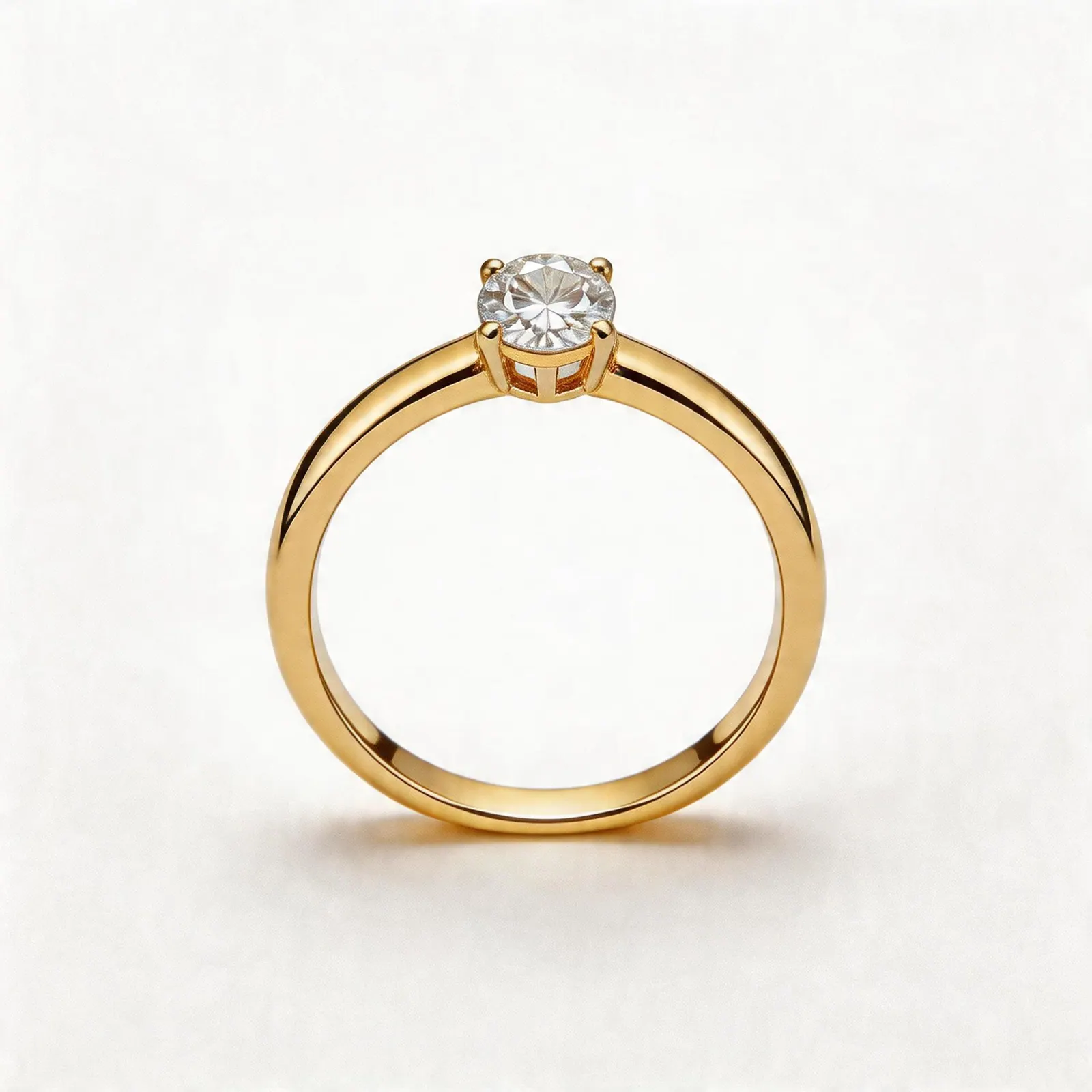
Listing image guide
A clean product image gives shoppers fast recognition before they read copy or compare prices.
Guide path
Launch Workflow
Move a new SKU from source photo to launch-ready images without a reshoot.
Why this matters
A seller checklist for earring pairs, studs, hoops, scale images, macro details, and marketplace-ready crops. For jewelry sellers, the image system is often the difference between a product that looks trustworthy and a product that gets skipped in a crowded marketplace.
Recommended workflow
- Start with the clearest real product image you have.
- Generate a clean white-background version for fast product recognition.
- Add one detail image that shows material, gemstone, clasp, engraving, or texture.
- Add one context image for scale, styling, gifting, or campaign use.
- Review every generated asset against the physical product before publishing.
Quality checks
Keep the product truthful. Do not change gemstone color, metal tone, physical scale, chain shape, clasp style, or any detail that would affect buyer expectations. For earring product photos, consistency matters more than dramatic styling.
How JwlProdShot helps
JwlProdShot turns one jewelry upload into ecommerce-ready white backgrounds, lifestyle scenes, close-ups, and launch assets. It is designed for sellers who need better listing images without booking a studio for every SKU.
Practical checklist
What to do next
Start with one clear product truth, then create channel-specific visual variants around it.
Try this workflow in Generate
Use this guide as your QA checklist, then generate the matching jewelry image set from one source photo.
Open GenerateRelated jewelry photo guides
Production planning
Jewelry Product Photography Cost: Studio Shoot vs DIY vs AI-Assisted Workflow
A clear comparison for jewelry sellers deciding when to book a photographer, shoot in-house, or use AI-generated listing assets.
Image refresh ideas
Before and After Jewelry Listing Images: 12 Ideas That Improve Buyer Confidence
Turn one jewelry upload into a stronger listing gallery with before/after edits, detail views, clean backgrounds, and brand-ready lifestyle scenes.
Jewelry image guide
Etsy Ring Photo Ideas That Help Shoppers Click and Compare
Use clean thumbnails, macro detail shots, scale context, and brand scenes to build a stronger Etsy ring gallery.